Preparing your shoot
A few habits during the shoot are enough for every panorama to be positioned and linked by itself.
The tripod at the same height
Keep the same height from one point to the next: it gives the tour its scale.
Level, complete panoramas
Straighten the horizon when stitching, in PTGui or the camera software, and export the full sphere in 2:1.
Start at the entrance
The tour starts on the first panorama in file order: number them from the entrance.
Leave the tripod
No need to retouch the nadir: the tripod is removed and the floor is filled in.
What to upload from your camera
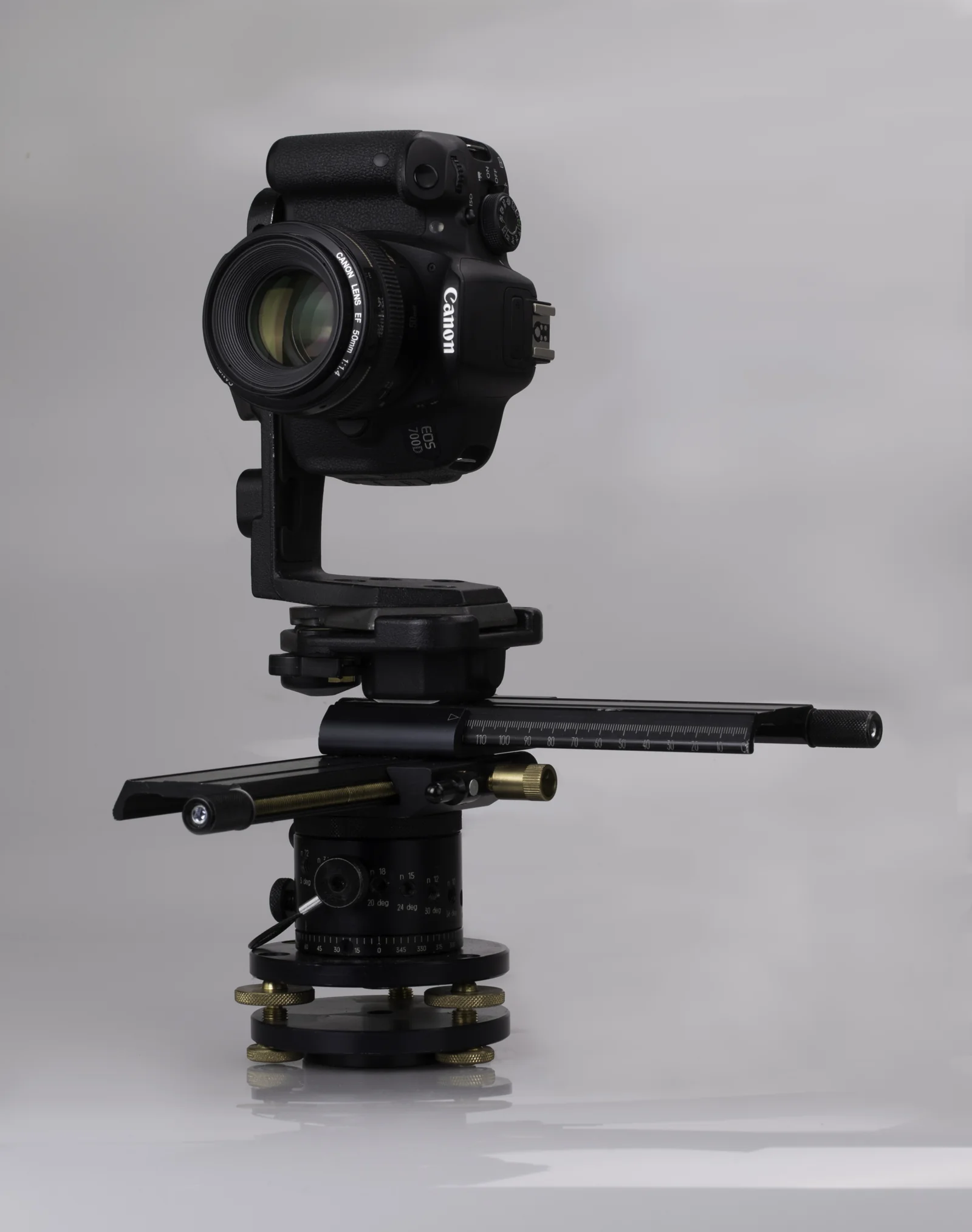 DSLRPTGui panoramas at full resolution, up to 16K.
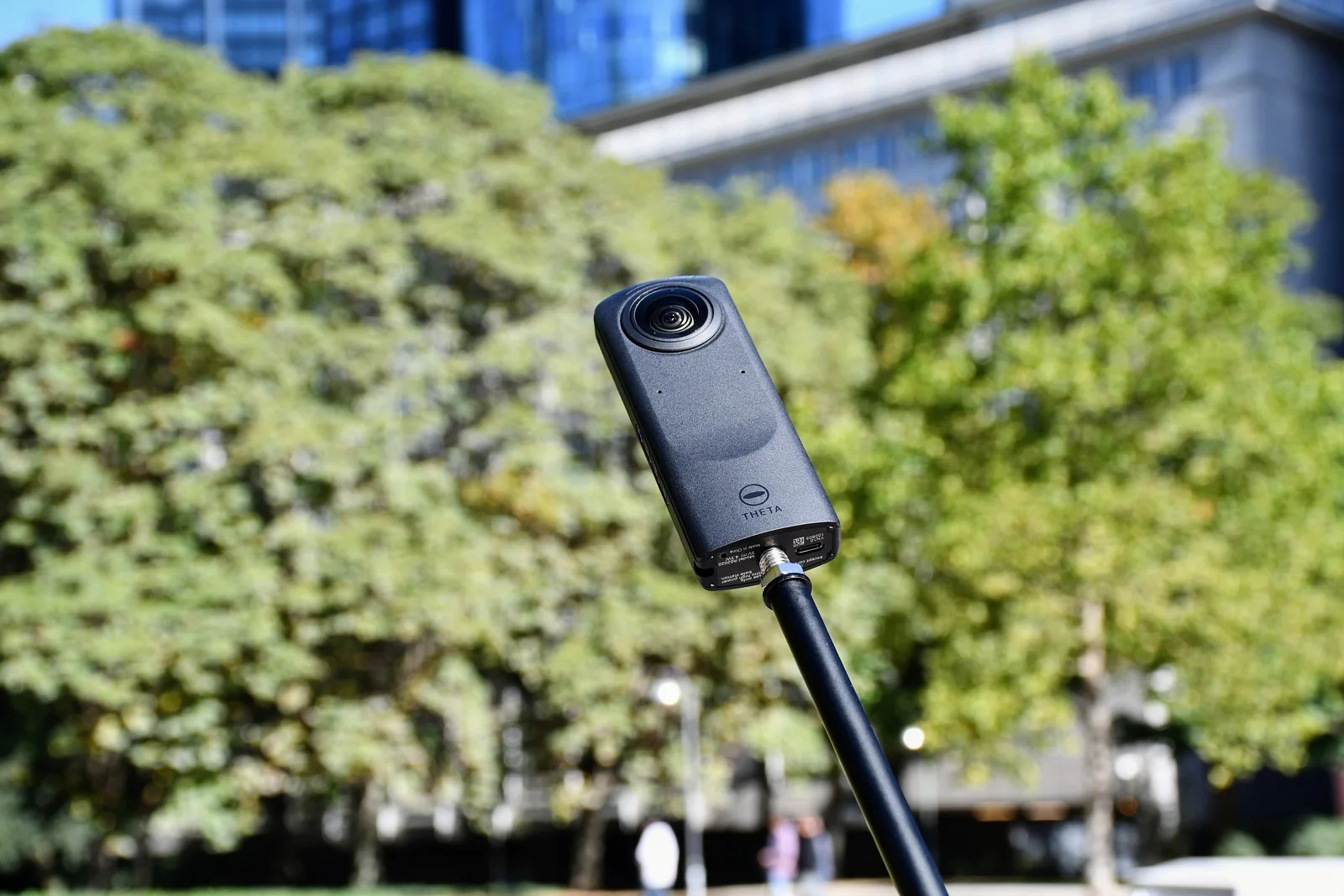 Ricoh ThetaThe JPGs straight from the camera, already stitched.
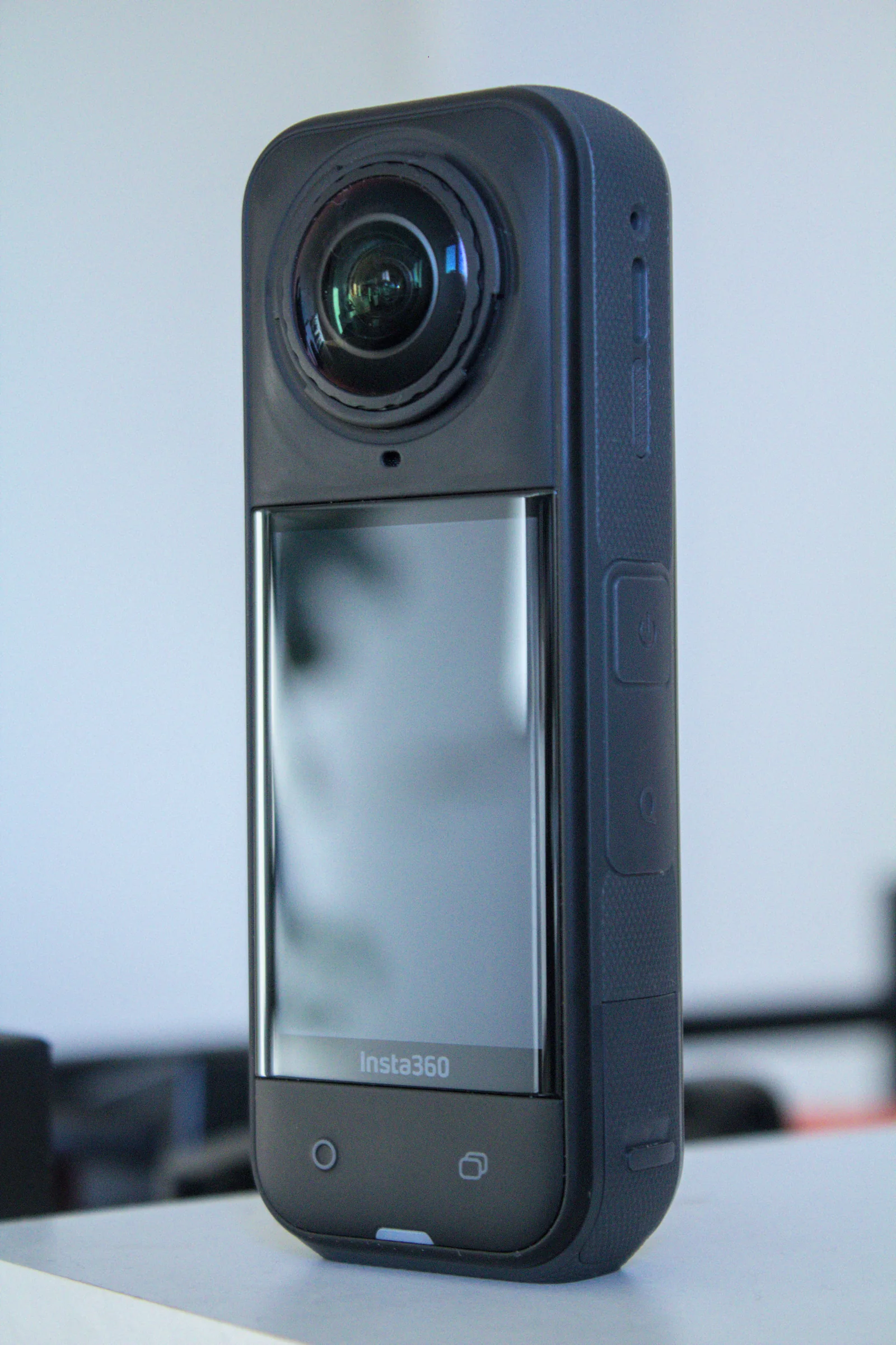 Insta360360 JPGs from the app or Studio, with floor plan and dollhouse.
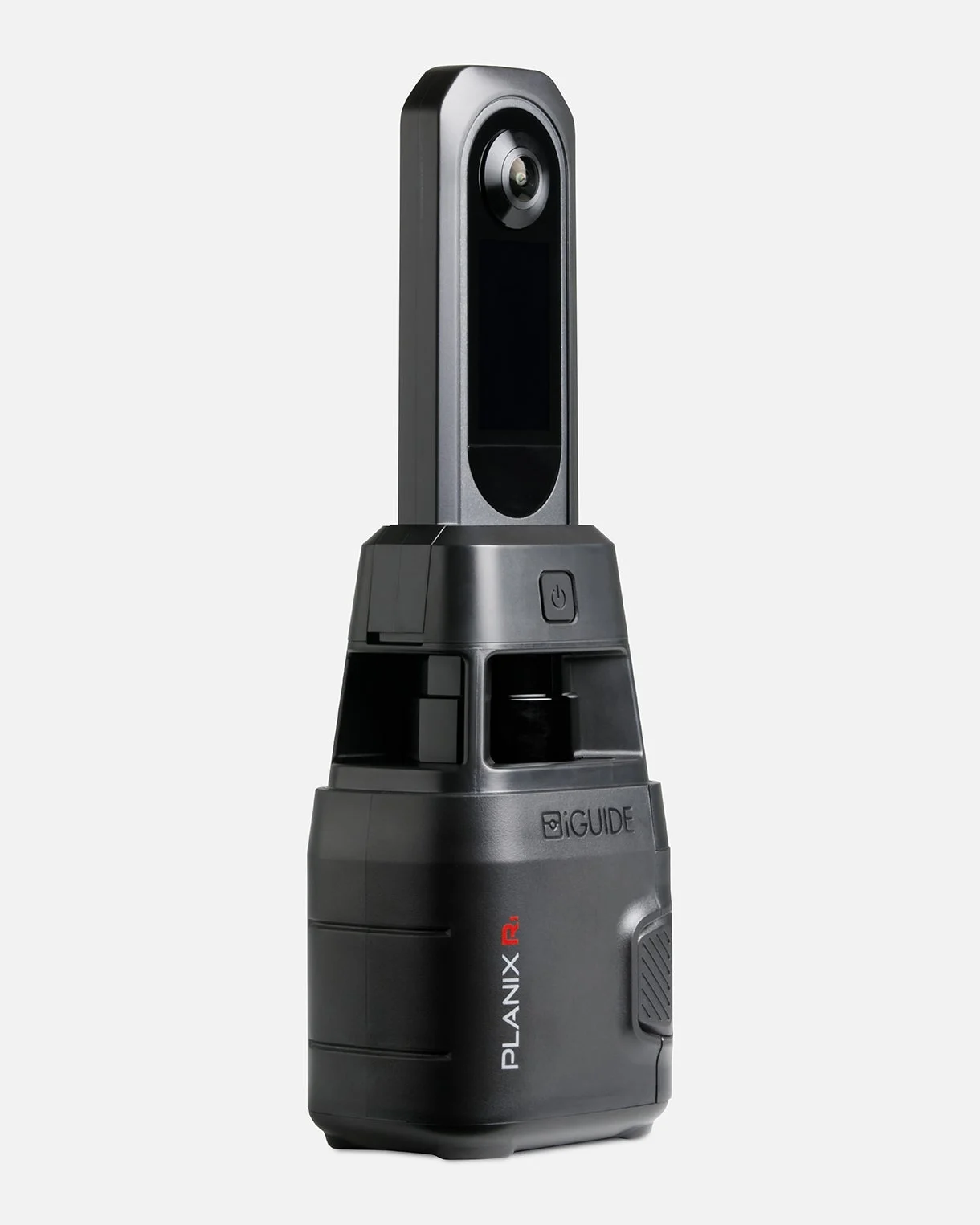 iGUIDEThe project folder opened in iGUIDE Stitch, placed by its laser.
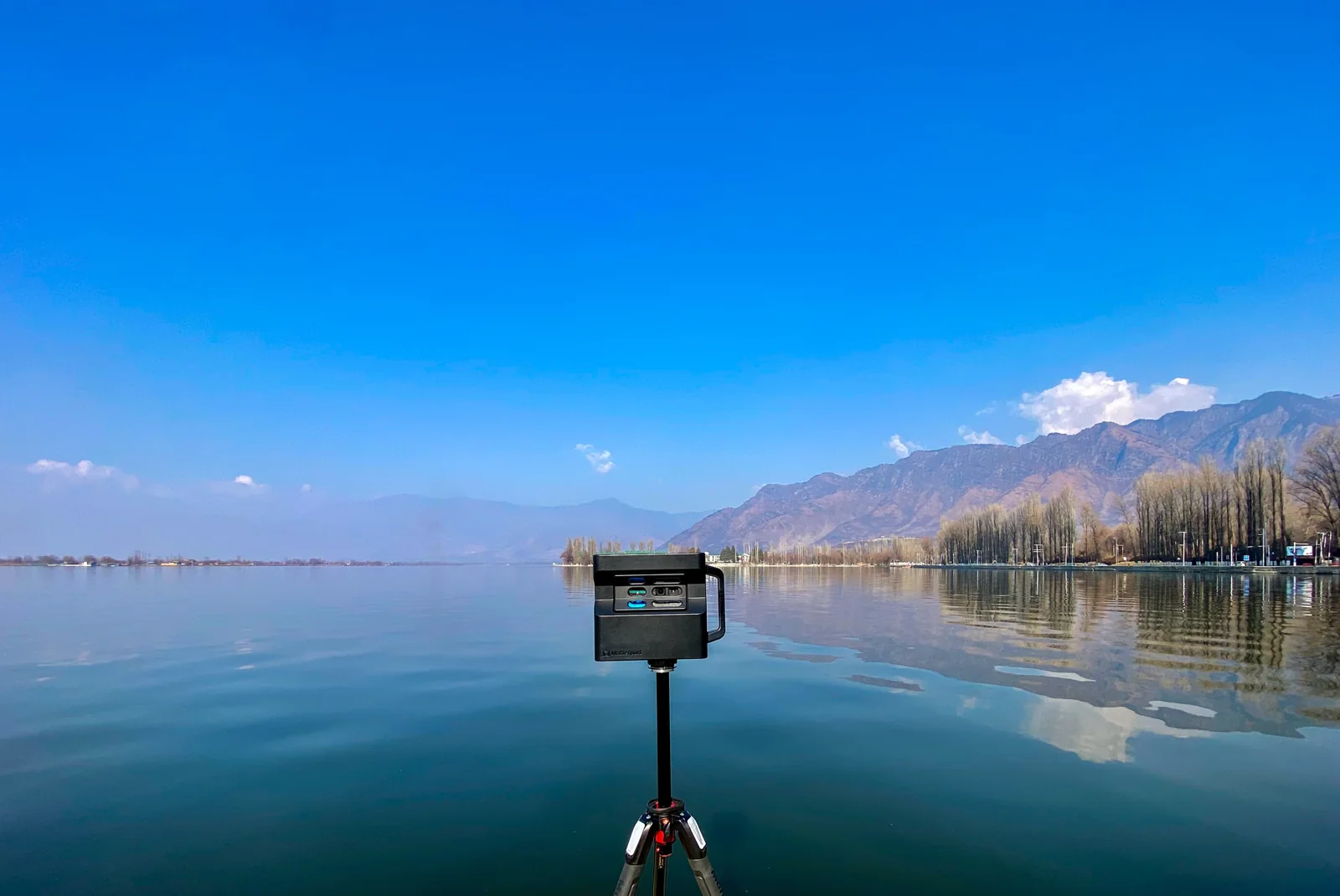 MatterportThe 360° views of your space, downloaded or imported from Street View.
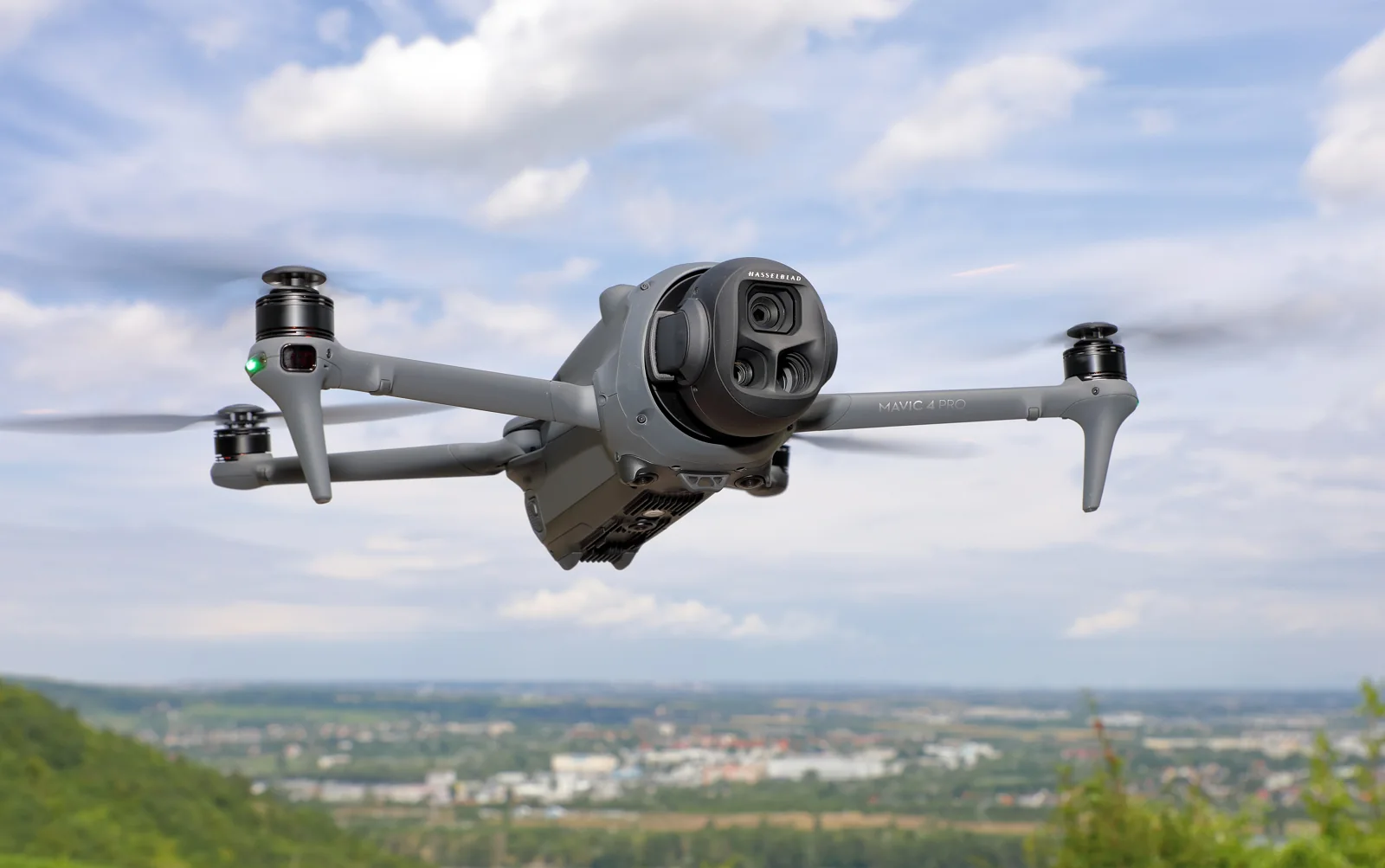 DroneThe raw sphere photos, stitched and corrected for you.
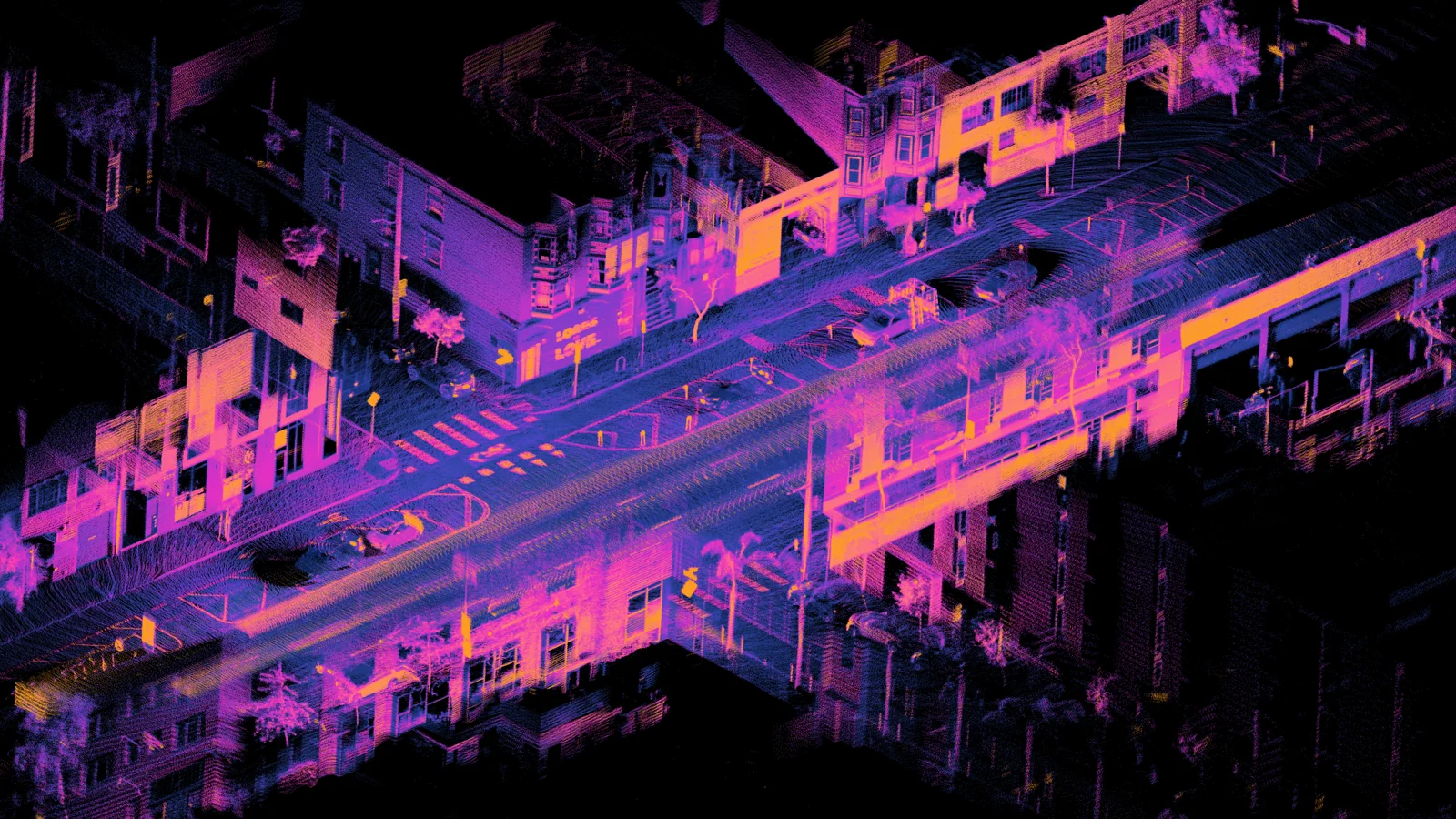 LiDAR (option)A LiDAR of about $400 under your tripod, for measured tours.
When two panoramas may not link
Two panoramas link by themselves when they see each other and are close enough. Here are the cases to watch during the shoot.
A door between two rooms
Two rooms that only see each other through a door do not always link.
How to avoid it: Take a panorama in the doorway, between the way in and the way out: that is ideal.
Panoramas too far apart
Beyond about 8 meters, two panoramas are no longer linked automatically.
How to avoid it: Add a viewpoint in between, for example in the middle of a large room.
An obstacle between two points
A partition, a tall display or a corridor corner hides one point from the other.
How to avoid it: Place a point from which both can be seen.
Stairs or a change of floor
Floors link, as long as the panoramas see each other from one level to the other.
How to avoid it: Take a panorama at the top and one at the bottom of the stairs, each visible from the other.
A tripod height that changes
The height gives the tour its scale: a difference distorts distances and transitions.
How to avoid it: Keep the same height from one point to the next.
Spaces without landmarks
Identical bare walls, large windows or mirrors leave few common details between two photos.
How to avoid it: Bring the viewpoints closer together in these areas.
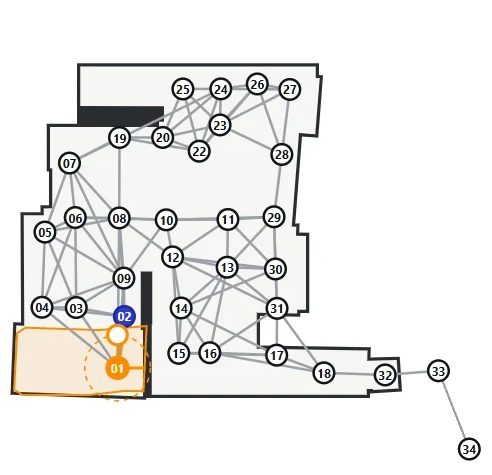
A panorama did not find its place?
Nothing is lost: in the editor, give two common points with a neighbouring panorama, or keep it as a separate space.
See the guideWhat about yours? The first tour is free.
Try it free