How do you build a virtual tour automatically in 3D?
Upload your panoramas to Virtuaaa: positions, links, 3D movement, dollhouse and floor plan are computed in 15 to 40 minutes. In classic tour software, each of these steps is done by hand.
Build my tour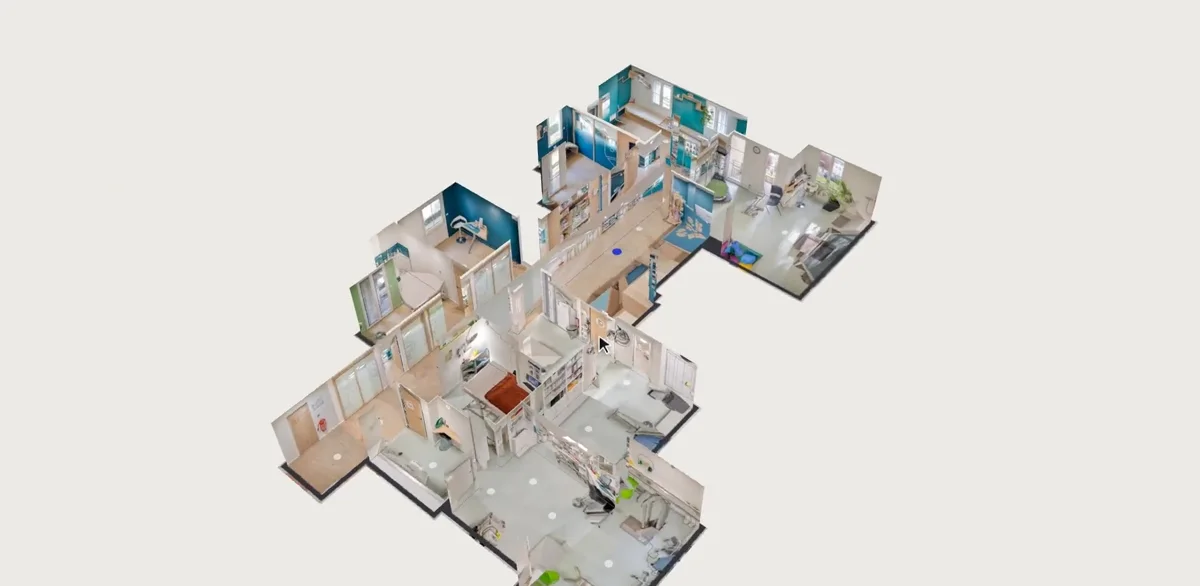
Why build your tour with Virtuaaa
- Automatic placement. Positions are computed from the photos.
- Links and 3D movement. Circles on the floor; one click and the view moves through the room.
- Tripod removed on every panorama, floors stacked.
- Dollhouse and floor plan come with the tour.
- $10 per tour, paid once. The first one is free.
What is done by hand, and what is automatic?
| Step | By hand | With Virtuaaa |
|---|---|---|
| Stitch the photos | In stitching software, viewpoint by viewpoint | Automatic, RAW or JPEG |
| Place the panoramas | One by one on a plan | Computed from the photos |
| Link them | Arrow by arrow, in each panorama | Computed, and editable |
| Move between them | A fade, or an animation to set up | 3D movement computed |
| Remove the tripod | Retouching each floor | Removed on every panorama |
| Dollhouse and plan | A paid service or modelling | Computed with the tour |
What does automatic building actually do?
It looks for the same details in neighbouring panoramas and works out where each one was taken.
It links the viewpoints that can see each other, then computes the 3D movement from one to the next.
And if a link is wrong?
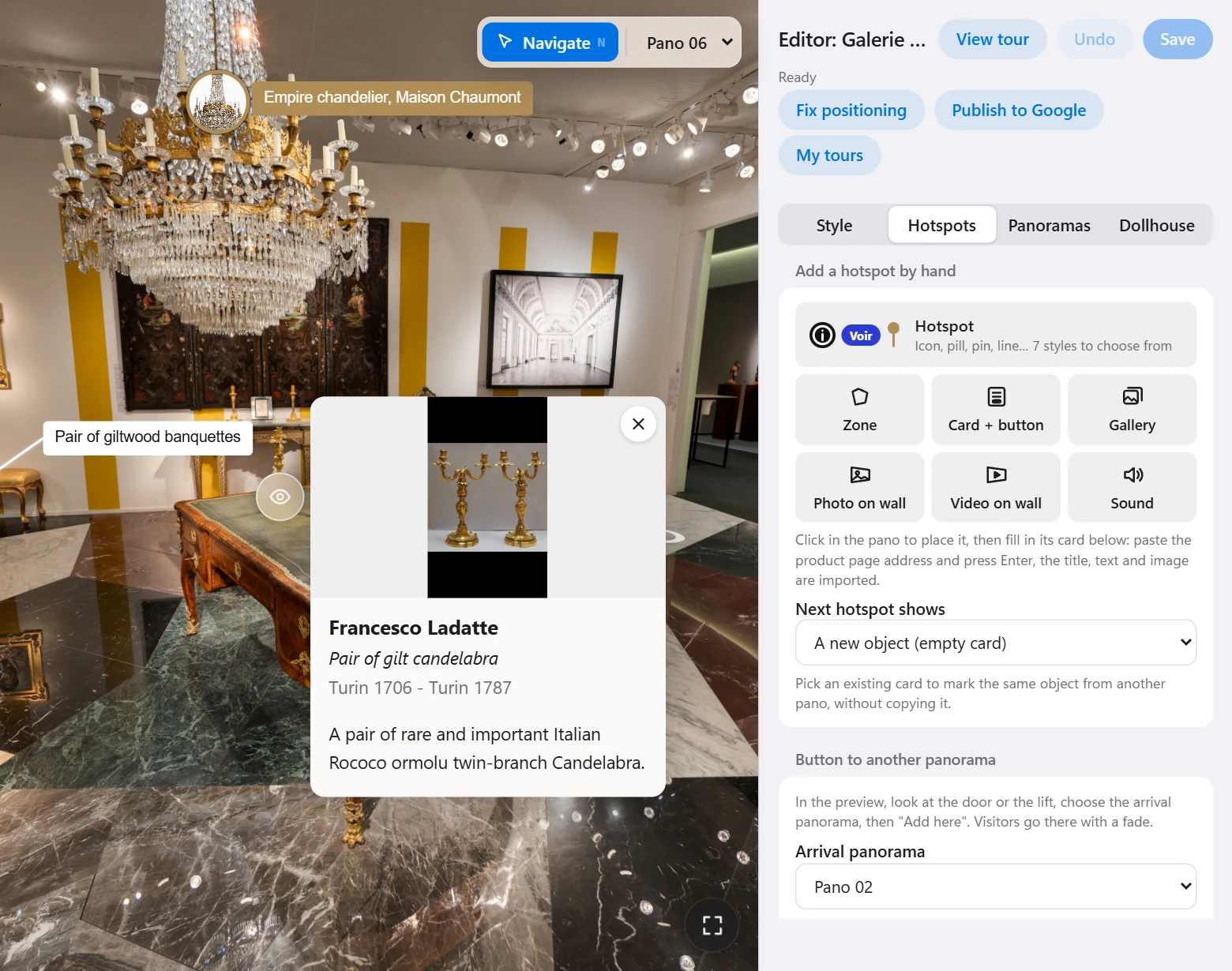
You check the links on the plan and move one by hand in a few clicks.
For several floors, answer “several levels linked by a staircase” when you upload: the dollhouse stacks the floors.
Starting from photos, not panoramas?
Upload your RAW or JPEG files: they are sorted by viewpoint and stitched, then the tour is built. See stitching DSLR photos.
Automatic building, from Google+ to the 3D tour
From 2013, Auto Awesome on Google+ stitched overlapping photos into a panorama, with nothing to set. Consumer Google+ closed on 2 April 2019. Autopano did the same on the desktop until 2018.
Virtuaaa takes the idea further: not one panorama, a whole tour.
Building a 3D tour automatically: the questions people ask
How long does it take?
The tour, its dollhouse and its floor plan are ready in 15 to 40 minutes.
What do I upload?
2:1 equirectangular panoramas from any 360 camera or a DSLR, or your RAW or JPEG photos.
Can I change the result?
Yes: links, names, logo, points of interest are edited in the tour editor.
What does it cost?
The first tour is free. Then $10 per tour up to 150 panoramas, paid once.
Upload your panoramas, the 3D tour builds itself
Positions, links, dollhouse and plan in 15 to 40 minutes. The first tour is free.
A question about your files? [email protected]
More articles
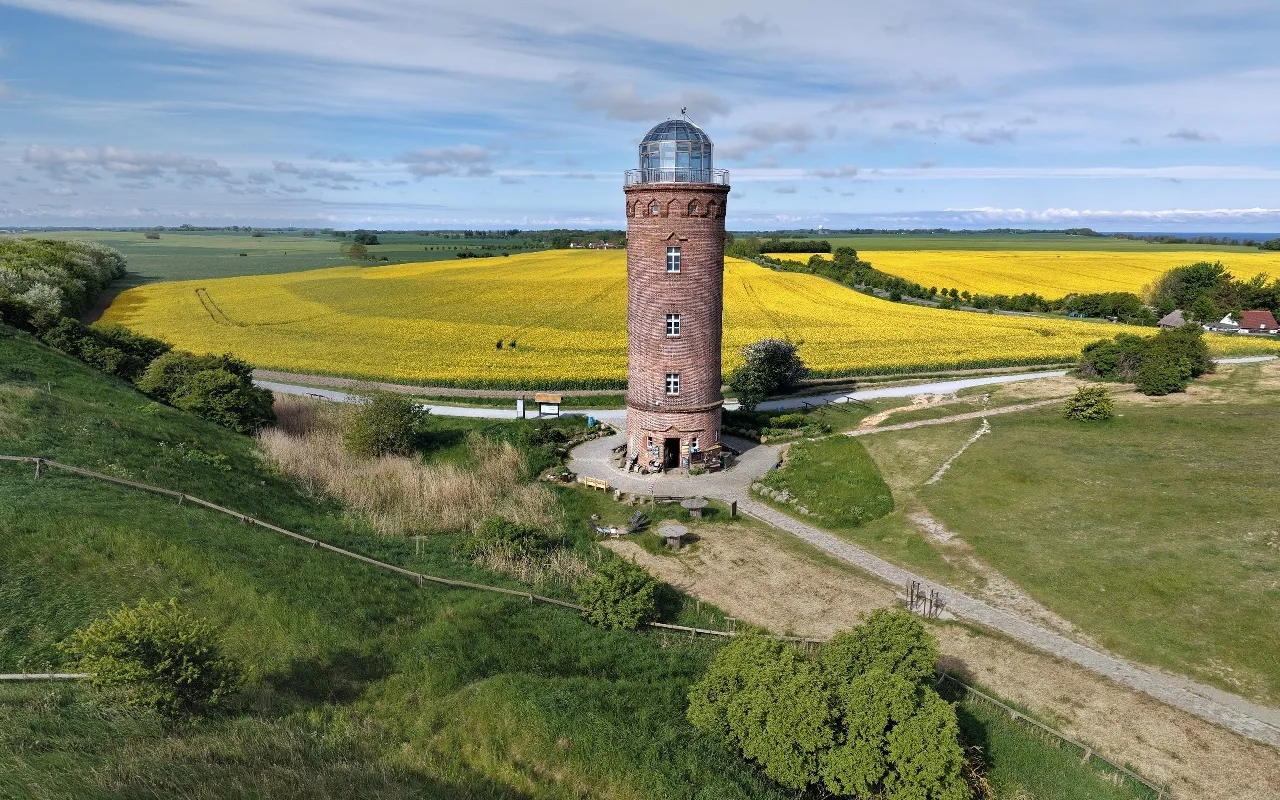 How do you stitch a perfect drone panorama automatically?Broken seams, a hole in the sky, a tilted horizon: the causes, the manual fixes, and the stitching that corrects it all automatically.
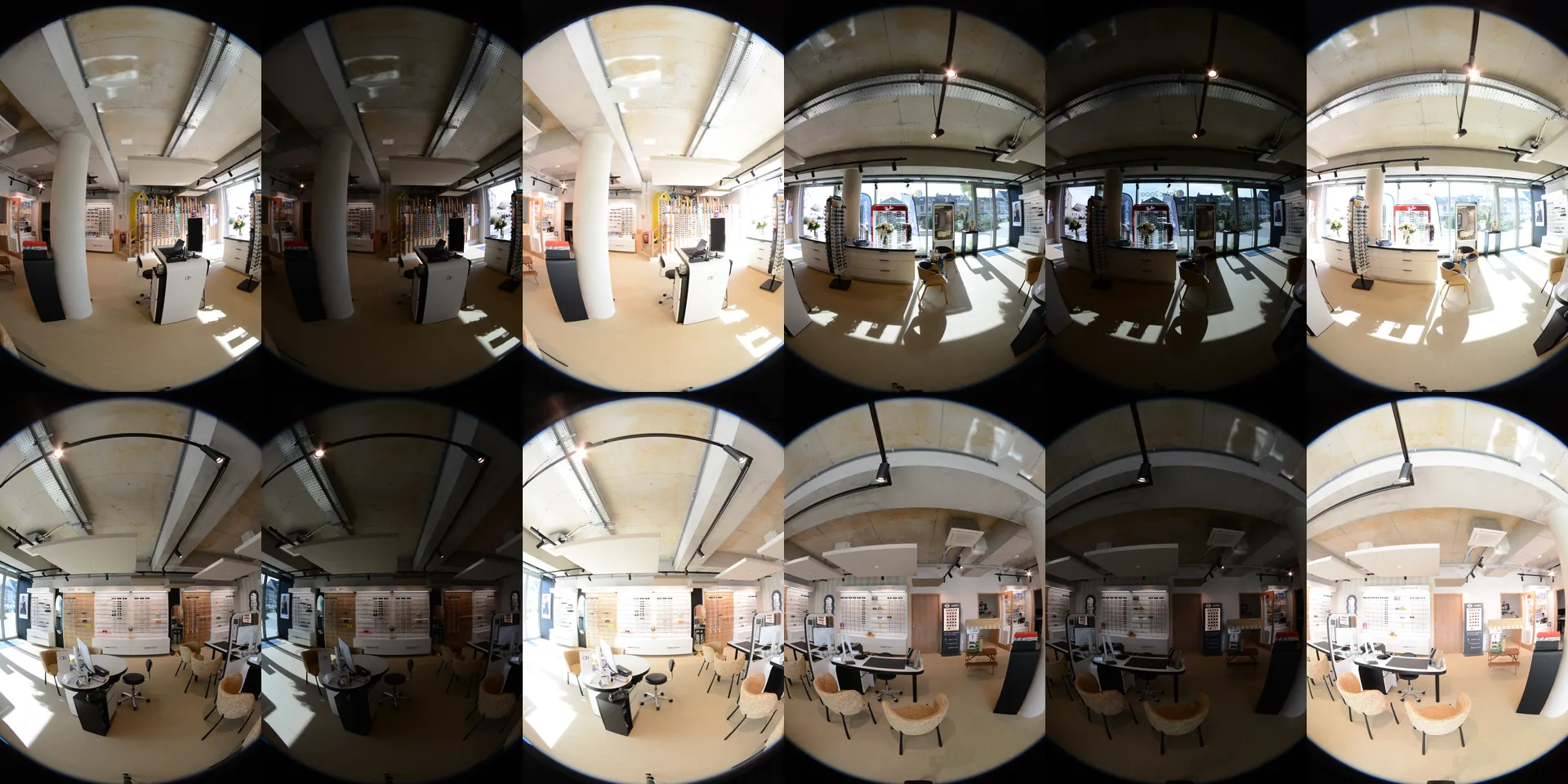 How do you stitch DSLR photos into 360 panoramas automatically?Upload the whole shoot: panoramas up to 16K, tripod removed, then a 3D tour with floor plan and dollhouse.
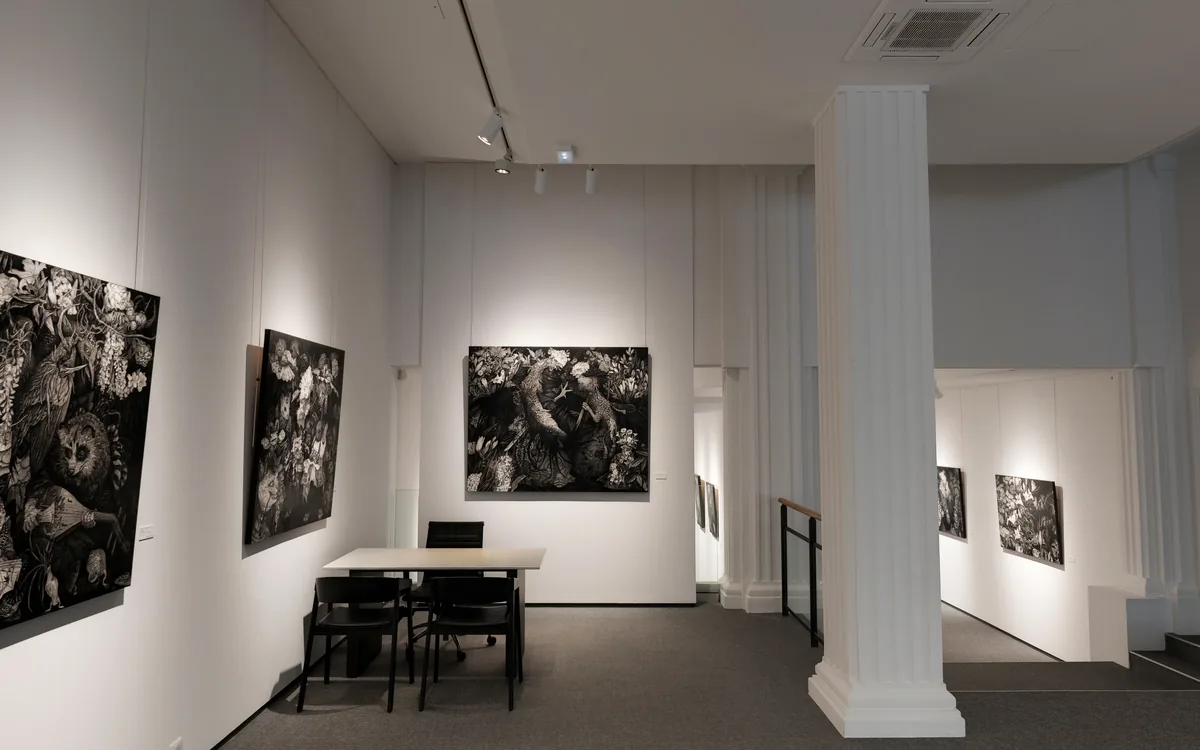 What is the best software to create a 3D virtual tour?Twelve tools compared, with their prices and a tour to open for each, and what 10 tours kept for 3 years cost.
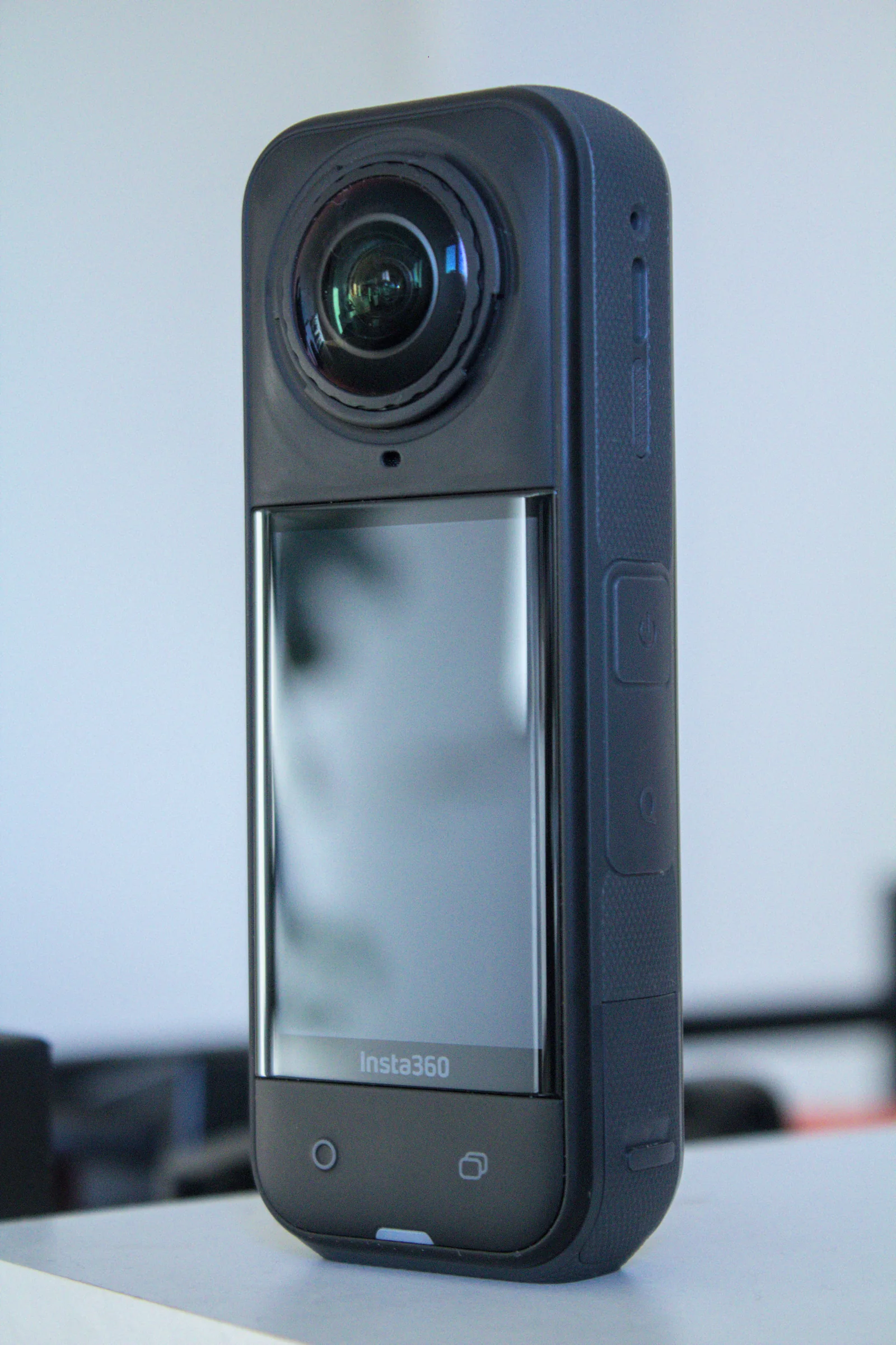 What is the best camera for a 3D virtual tour?360 cameras, DSLR, phone and LiDAR compared: photo, files, API and price, with the camera to choose for your need.