How do you stitch DSLR photos into 360 panoramas automatically?
Merging exposures, aligning shots, patching the tripod: with a DSLR, every viewpoint takes a series of steps. Upload the shoot in a browser: you get the panoramas, up to 16,000 x 8,000, and the 3D tour builds right after.
Stitch my photos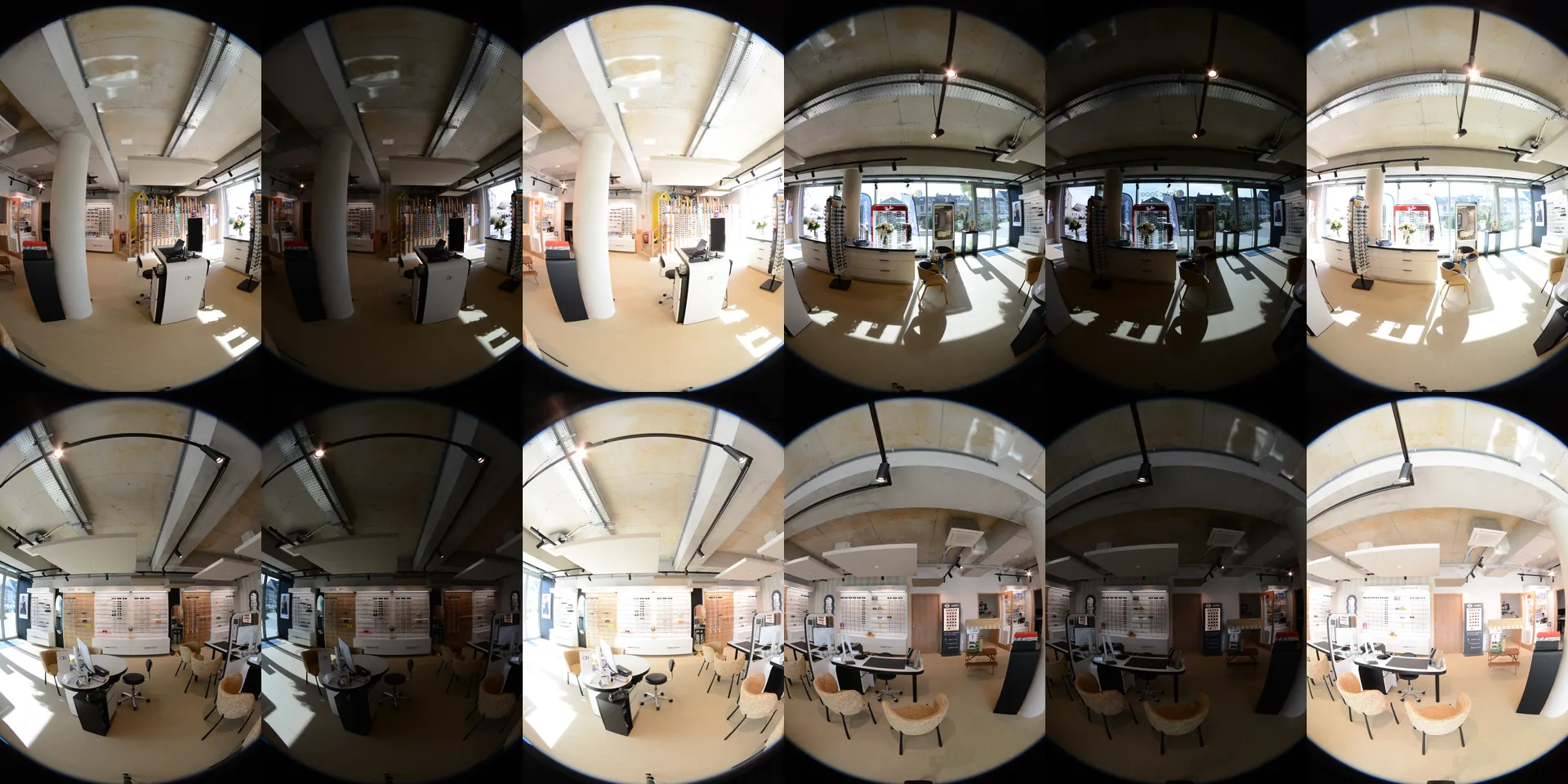
What do you upload?
The photos as they come out of the camera, the whole shoot in one go: RAW or JPEG, bracketed or not, fisheye or standard lens, loose, by folder or in a ZIP.
Nothing to set before sending: the photos are sorted by viewpoint, and the lens and the place of each shot are worked out from the photos themselves.
Should you shoot RAW and bracket?
It gives the most latitude in a room with windows. Exposures are merged and the same setting applies to all the shots: the light stays continuous from one shot to the next.
JPEG works too, bracketed or single exposure. With a single exposure, the panorama keeps the light of the photo: a dark photo gives a dark panorama.
How do you avoid broken seams?
- Set the head on the nodal point of your lens: nearby objects stay in place from one shot to the next.
- Let the shots overlap: the seams are computed in that overlap.
- Lock the tripod column: the same height at every viewpoint sets the scale of the tour.
- Someone walks through the frame? Retake the shot on the spot: the retake is recognised and replaces the first.
What happens to the photos once uploaded?
- They are grouped by viewpoint from their capture time and their content, even when the tripod moved in a few seconds.
- The lens and the place of each shot are computed, zenith and nadir included.
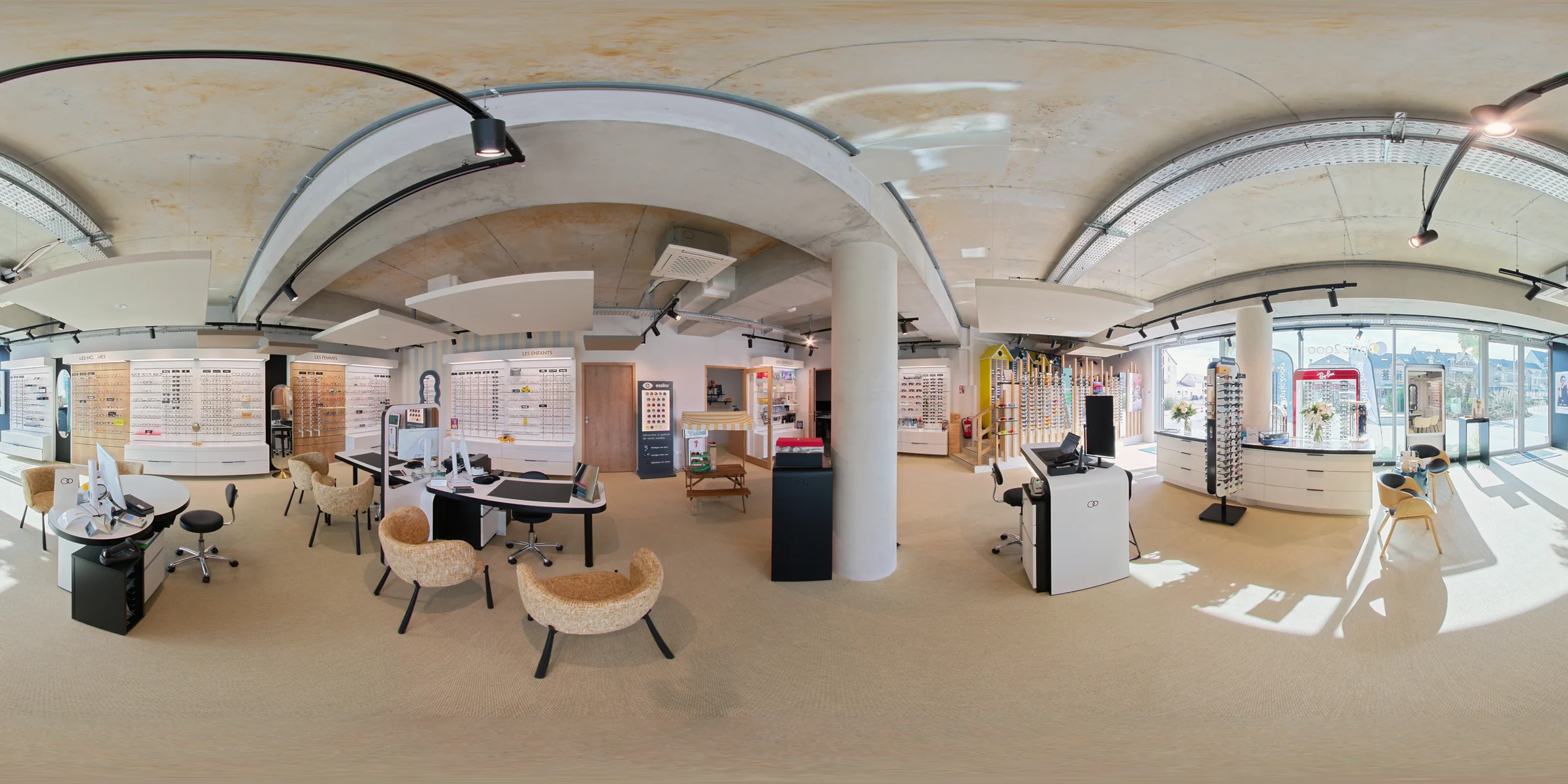
- The shots are stitched into a JPEG up to 16,000 x 8,000, levelled on the verticals of the scene.
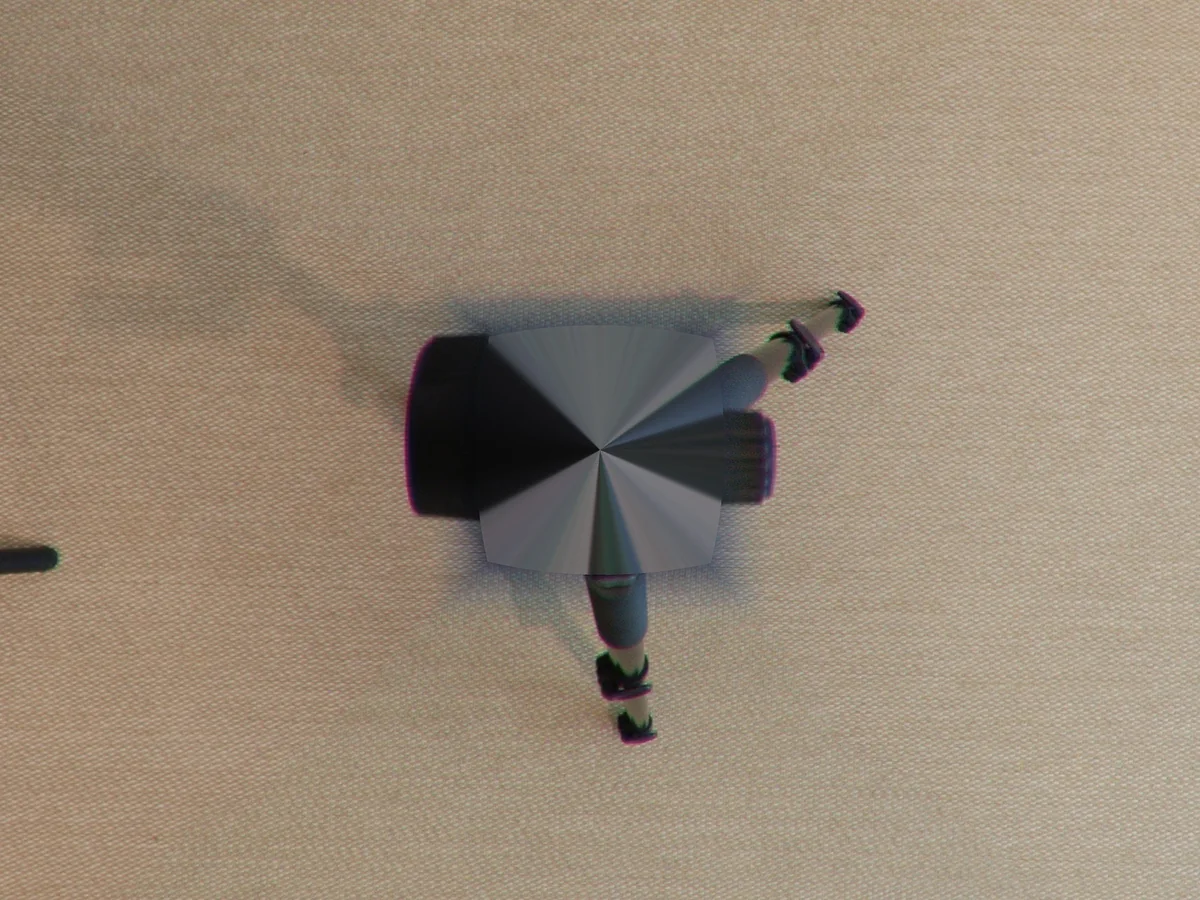
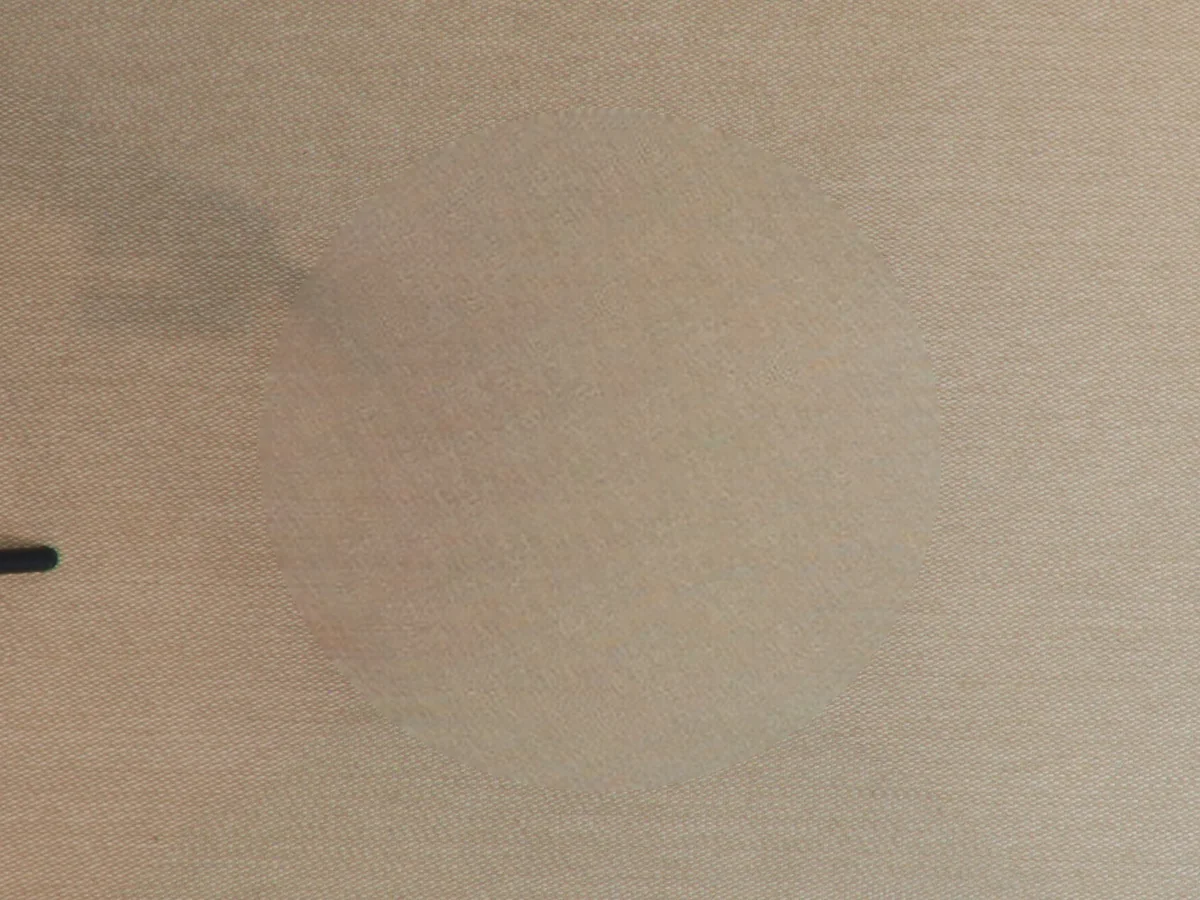
- The tripod is removed and the floor rebuilt.
- Shots that were not used are counted at the end: you see right away if a viewpoint is missing.
19 min
12 16K panoramas stitched from 144 RAW files, once uploaded.
Does the tripod really disappear?
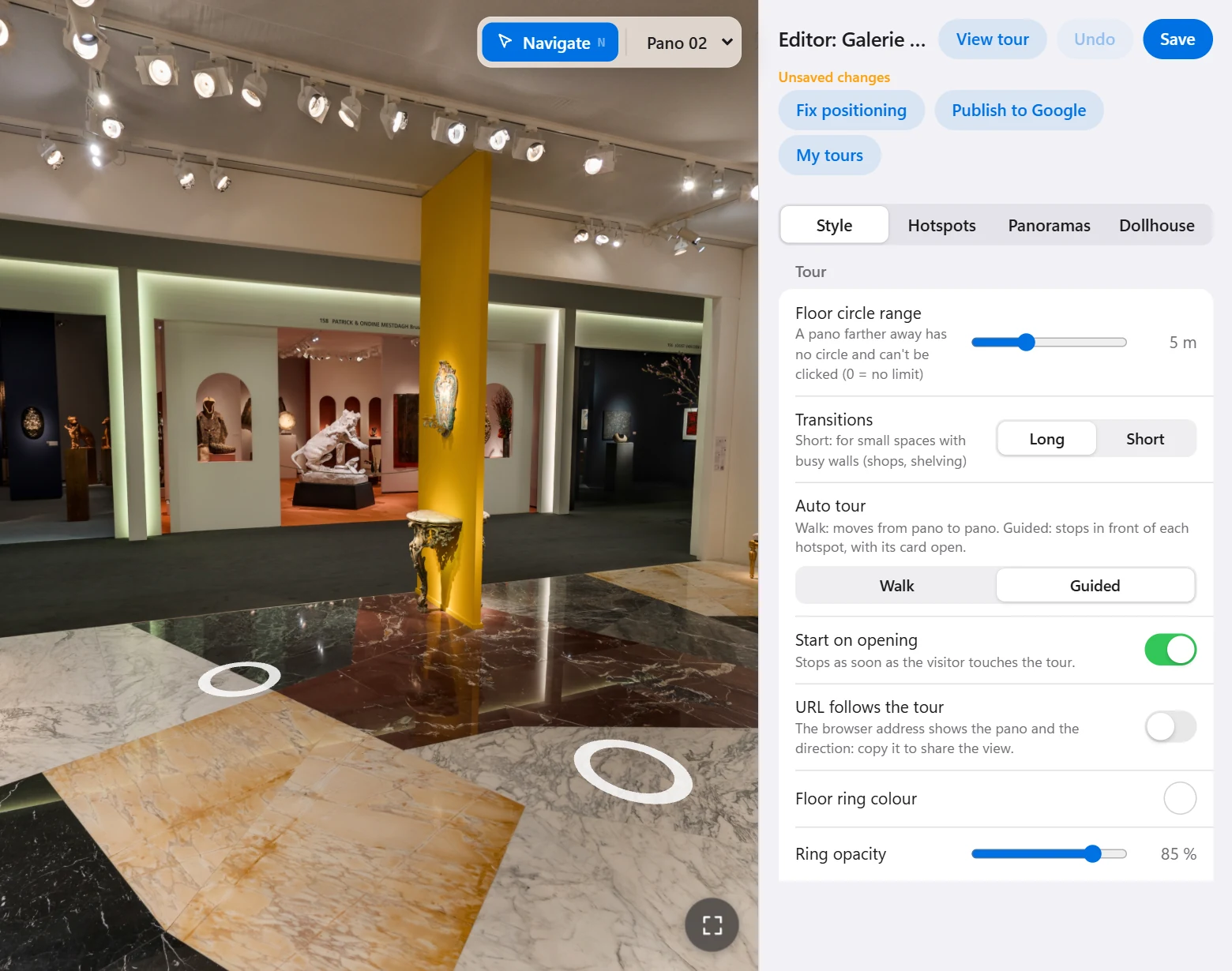
On every panorama, yes, with the floor rebuilt from what surrounds it. Widely spread legs can stick out of the retouched area: in the tour editor, a slider sets its size. On the downloaded panoramas, they remain to be retouched.
After
How do the panoramas become a 3D tour?
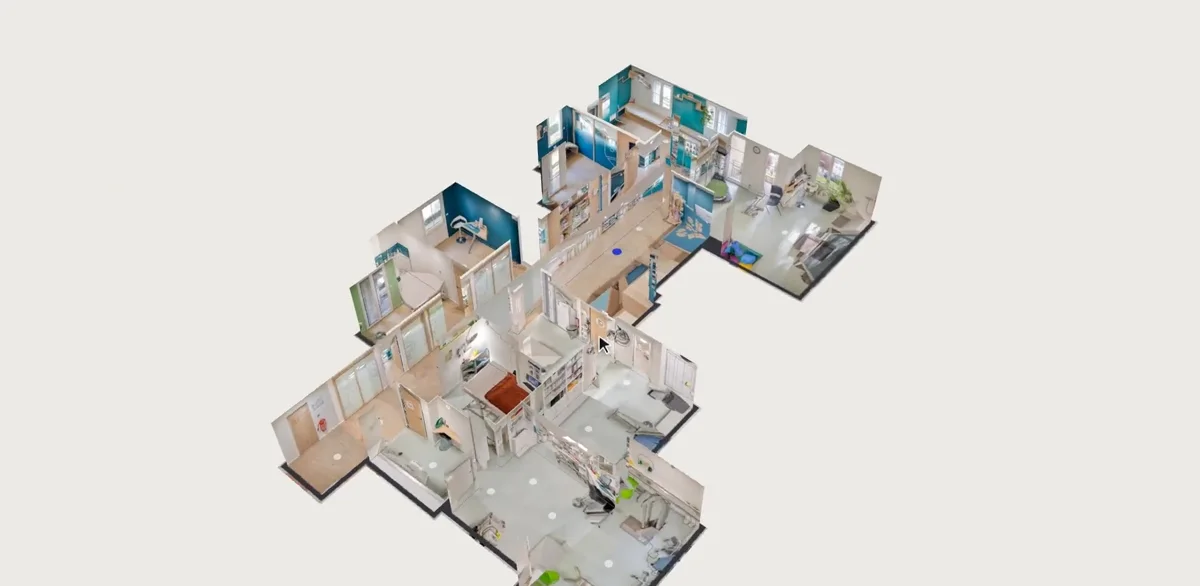
When stitching ends, the panoramas go into your account and the tour builds itself: positions computed from the photos, links, 3D plan. You can close the page and come back to the same link.
Shooting for good links and fine-tuning the tour are covered in the guide to the 3D tour.
What does the tour look like?
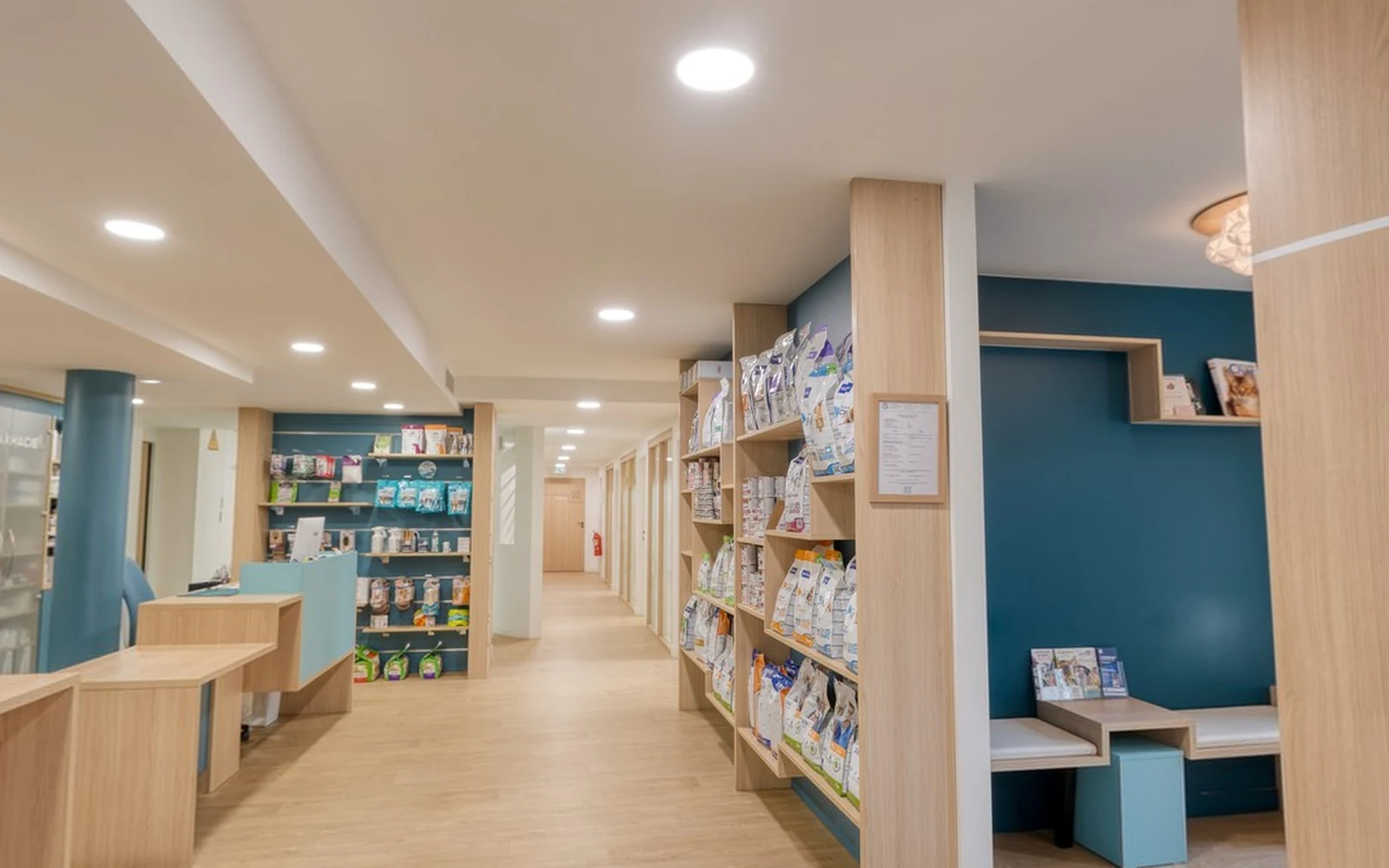 Veterinary clinic
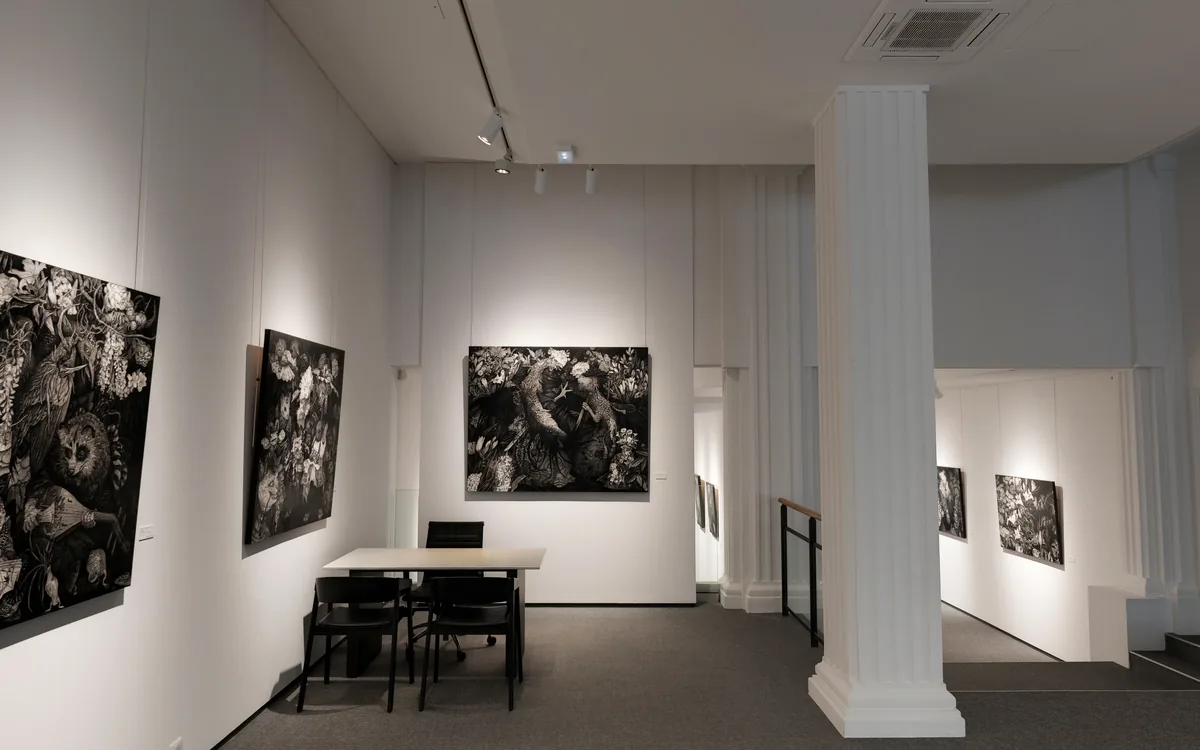
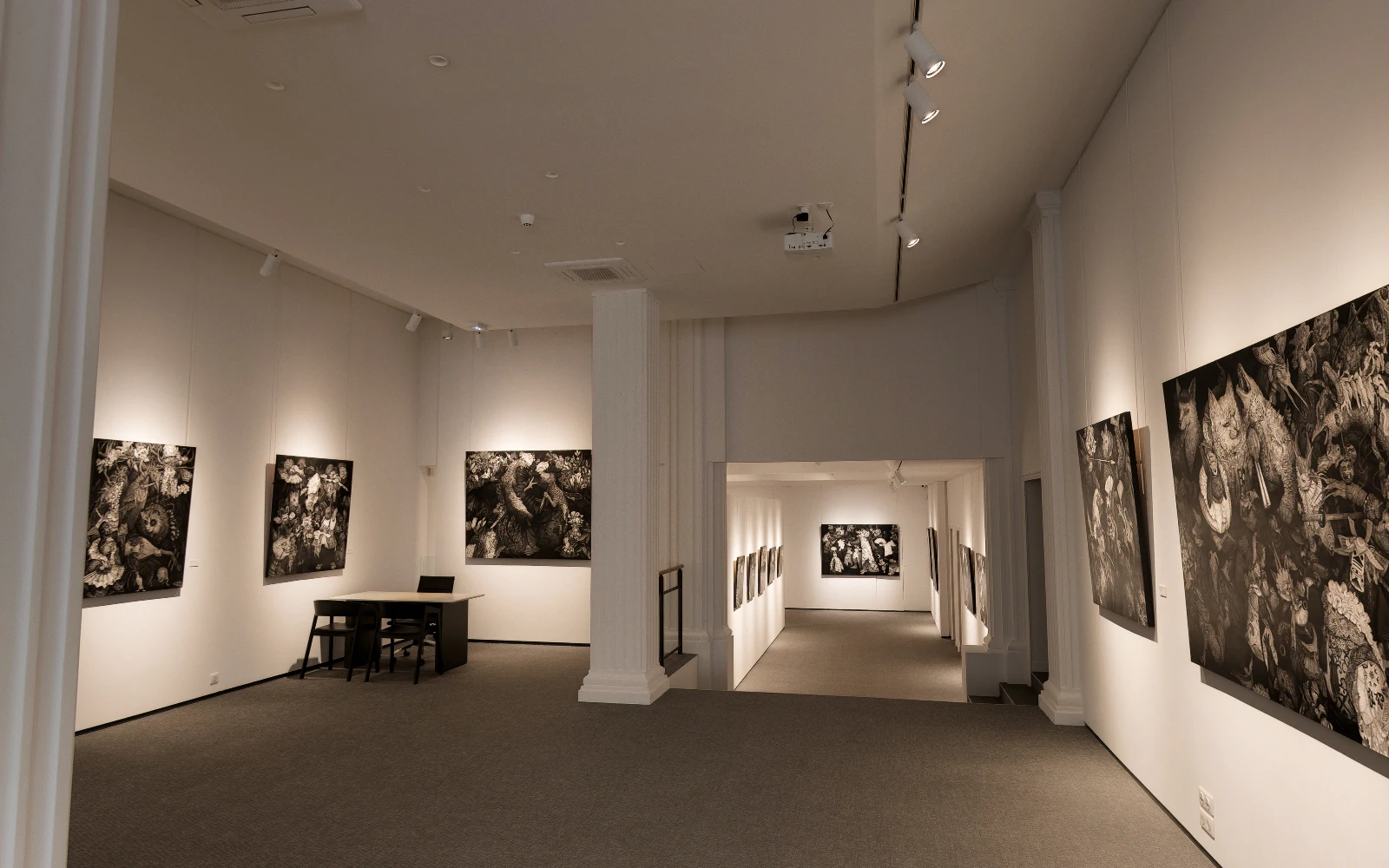 Galerie Tamenaga
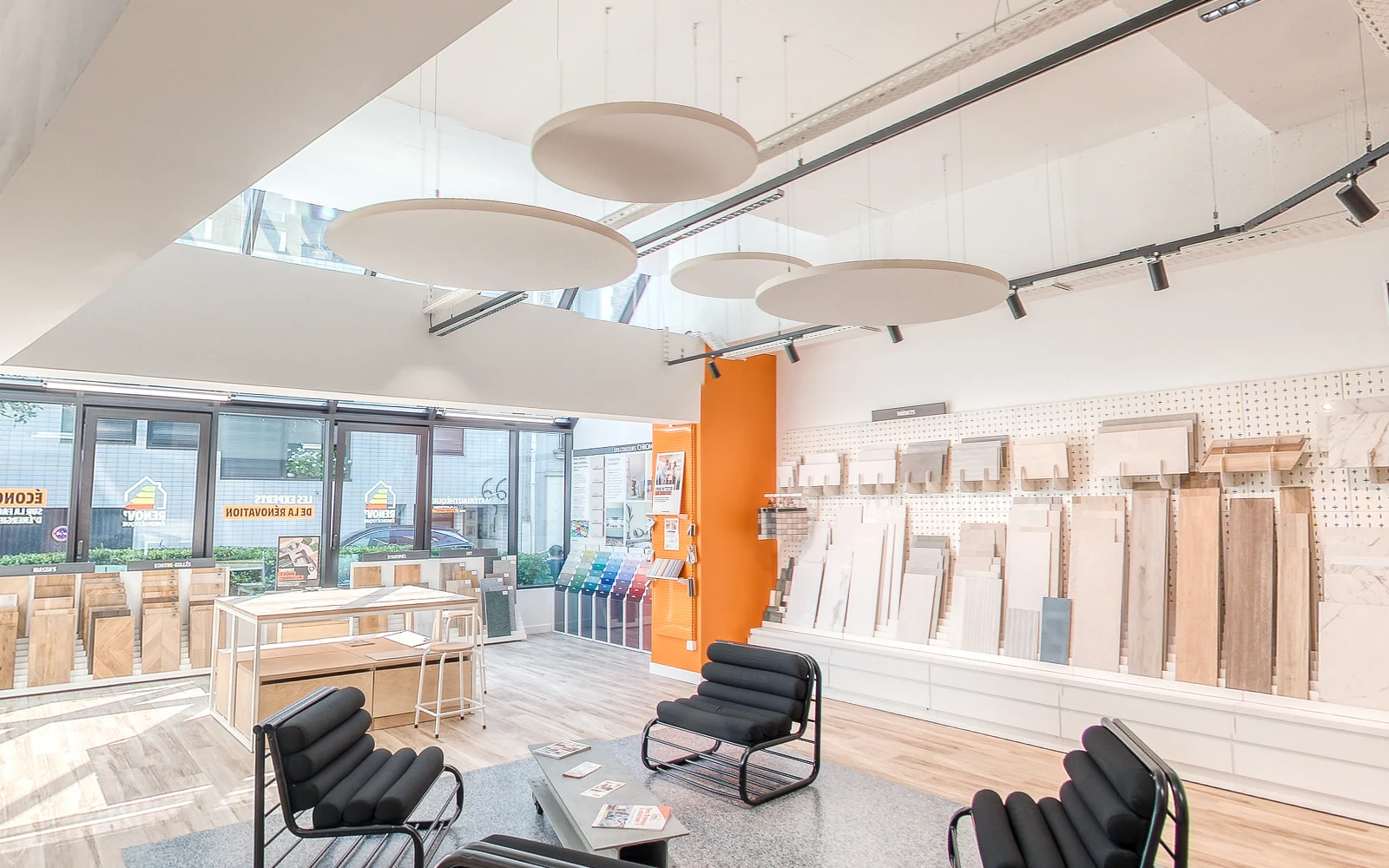 La Matériauthèque
Stitching DSLR photos: the questions people ask
Which files can I upload?
NEF, CR2, CR3, ARW, DNG, RAF, ORF, RW2, JPEG, TIFF, or a ZIP. Jobs run so far came from Nikon and Canon bodies.
Which lens do I need?
A fisheye or a standard lens, as long as the shots overlap. If several focal lengths are mixed in the upload, the most frequent one is stitched.
Do I have to describe my shooting pattern?
No. It can even change from one viewpoint to the next: each group is read from its own photos.
How long do the panoramas stay available?
7 days to download, one by one or as a zip. RAW files are removed from the server as soon as stitching ends.
Do I have to keep the page open?
While the photos upload, yes. After that, stitching runs on its own and you can come back to the same link at any time.
What if the connection drops during the upload?
Photos already received are kept and the upload resumes where it stopped.
Your DSLR photos, stitched into 16K panoramas
Upload your RAW or JPEG files. Stitching is included: you pay only to take the finished tour.
A question about your files? [email protected]
More articles
 How do you stitch a perfect drone panorama automatically?Broken seams, a hole in the sky, a tilted horizon: the causes, the manual fixes, and the stitching that corrects it all automatically.
 How do you build a virtual tour automatically in 3D?Place, link, animate: what is done by hand in classic software, and the 3D tour that builds itself from your panoramas.
 What is the best software to create a 3D virtual tour?Twelve tools compared, with their prices and a tour to open for each, and what 10 tours kept for 3 years cost.
 What is the best camera for a 3D virtual tour?360 cameras, DSLR, phone and LiDAR compared: photo, files, API and price, with the camera to choose for your need.