How do you make a good 3D virtual tour?
It all happens at the shoot: a panorama every 2 metres, one in every doorway, the same height throughout. Upload the panoramas to Virtuaaa and the tour builds itself.
Try it free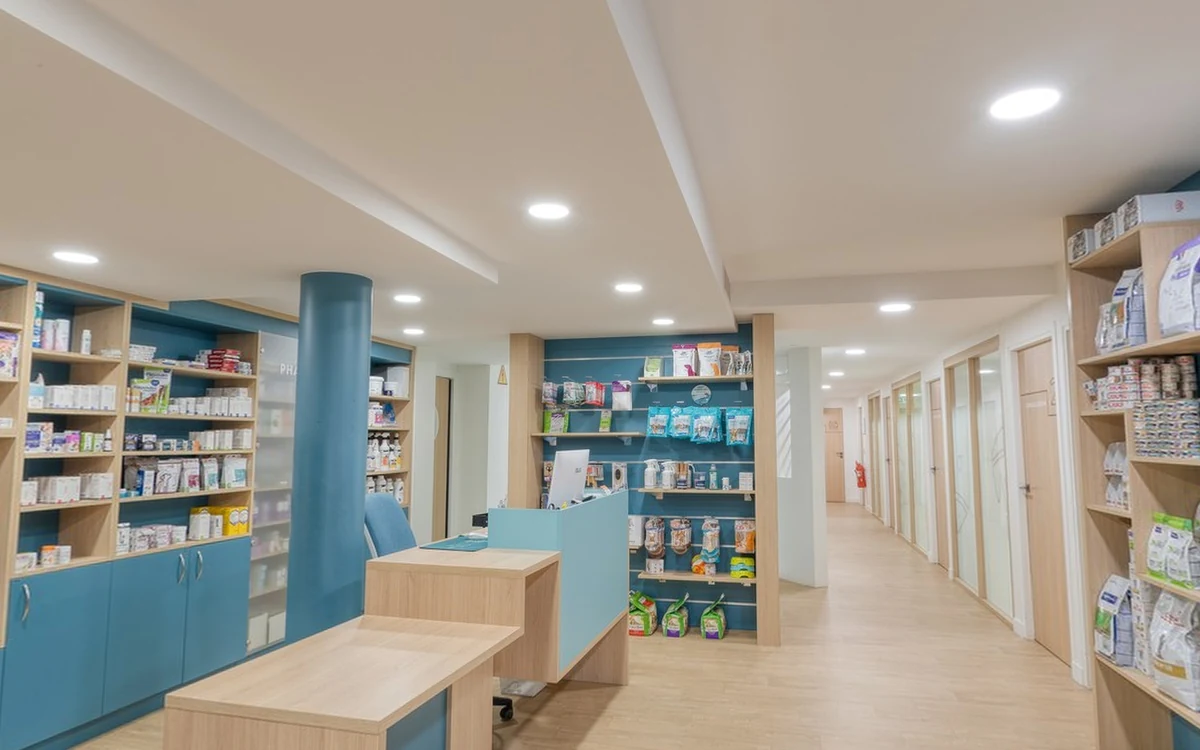
A well-shot place, a tour that builds itself
- Positions computed from the photos. Placement is automatic, from any 360 camera or a DSLR (which one to choose).
- Links, 3D movement, dollhouse and floor plan ready in 15 to 40 minutes.
- $10 per tour you keep, paid once. The first one is free.
The three rules to remember
The path: where do you place each panorama?
Think of the shoot as a walk through the place. One panorama in each small room, two or three in a large living room, and one in every doorway, door open: taken there, it sees both rooms and joins them.
Along a hallway, one every 2 metres.
Keep the same height for the whole shoot: the height gives the tour its scale. Each viewpoint should see the previous one; if a wall stands between them, add a point beside it.
Shoot a still panorama at each point rather than walking with video: the tour is built from one photo per viewpoint.
The rules that make every panorama link
Which places need more care?
- White walls, a bare room. The tool finds few details to compare there: keep the viewpoints closer than elsewhere.
- Identical rooms. Two twin bedrooms or offices get mixed up: the pano is left out rather than placed wrong.
- Windows, a shop window, a veranda. A reflection or a view through the glass can create a wrong link: check those lines on the plan.
- A shiny or cluttered floor. Distances there are less reliable; to place floor points, choose a clear part of the floor.
- Outdoors, a large space. Outdoors, viewpoints very far apart do not link: keep a point near the door.
At the build: links, tripod and floors handled for you
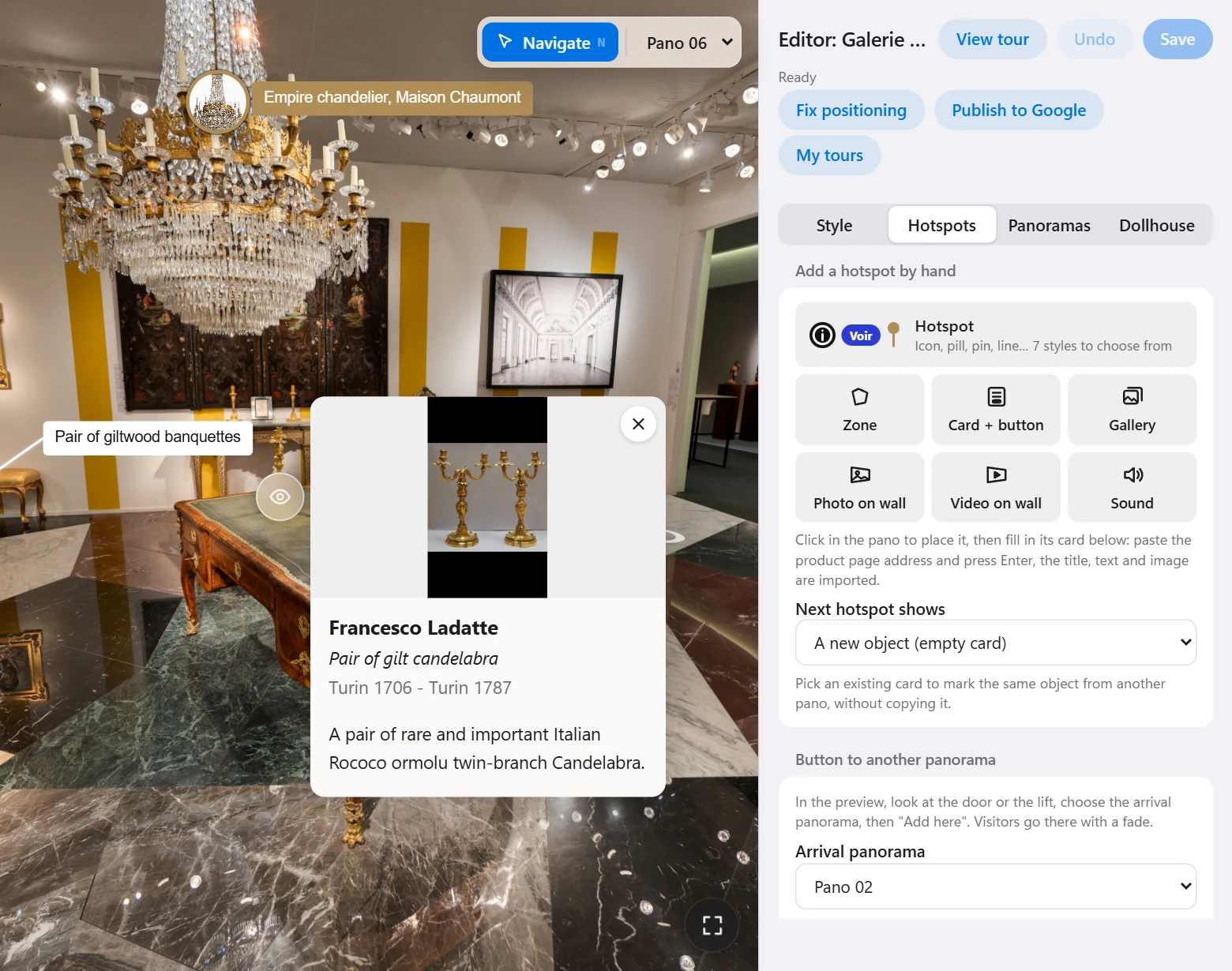
In Virtuaaa, the positions are computed from the photos, and the links, the circles on the floor and the 3D movement follow from them.
The tour is ready in 15 to 40 minutes; you check the links on the plan and move one by hand if it is wrong.
The tripod is removed and the floor redrawn on every panorama. For a house on several floors, answer "several levels linked by stairs" when you upload: the staircase panoramas give the height of each level, and the dollhouse stacks the floors.
The 2D plan is drawn for single-floor tours.
Placing the tour by laser: the LiDAR
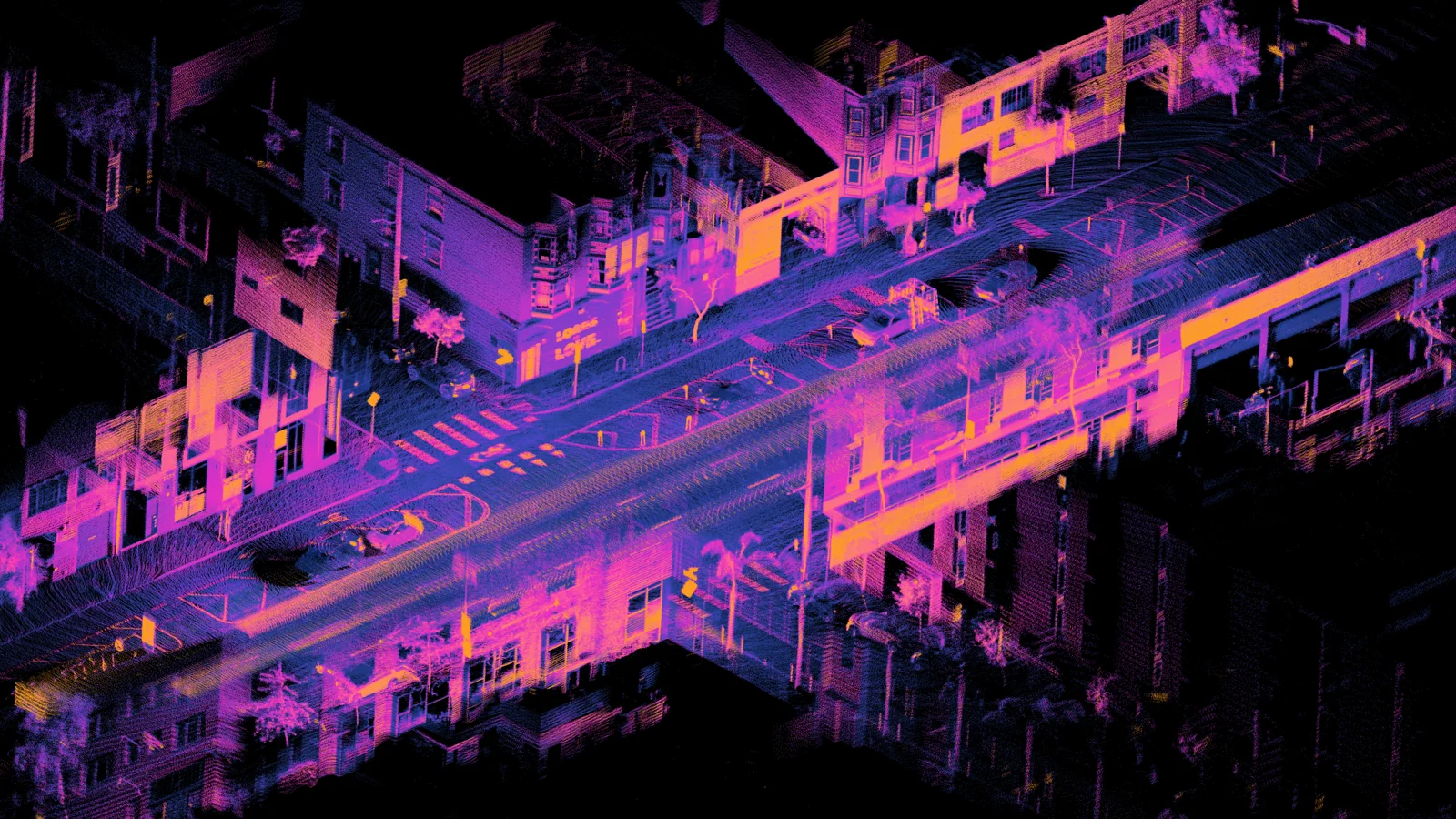
The panoramas are enough to build the tour. With a LiDAR under the tripod, positions and walls are measured by laser, even on a white wall or in two identical rooms: the build then starts from measurements.
A Unitree L2 costs $419 and works with any camera. I set up the import with you, on your first LiDAR shoot: camera and LiDAR.
Four tours built with Virtuaaa
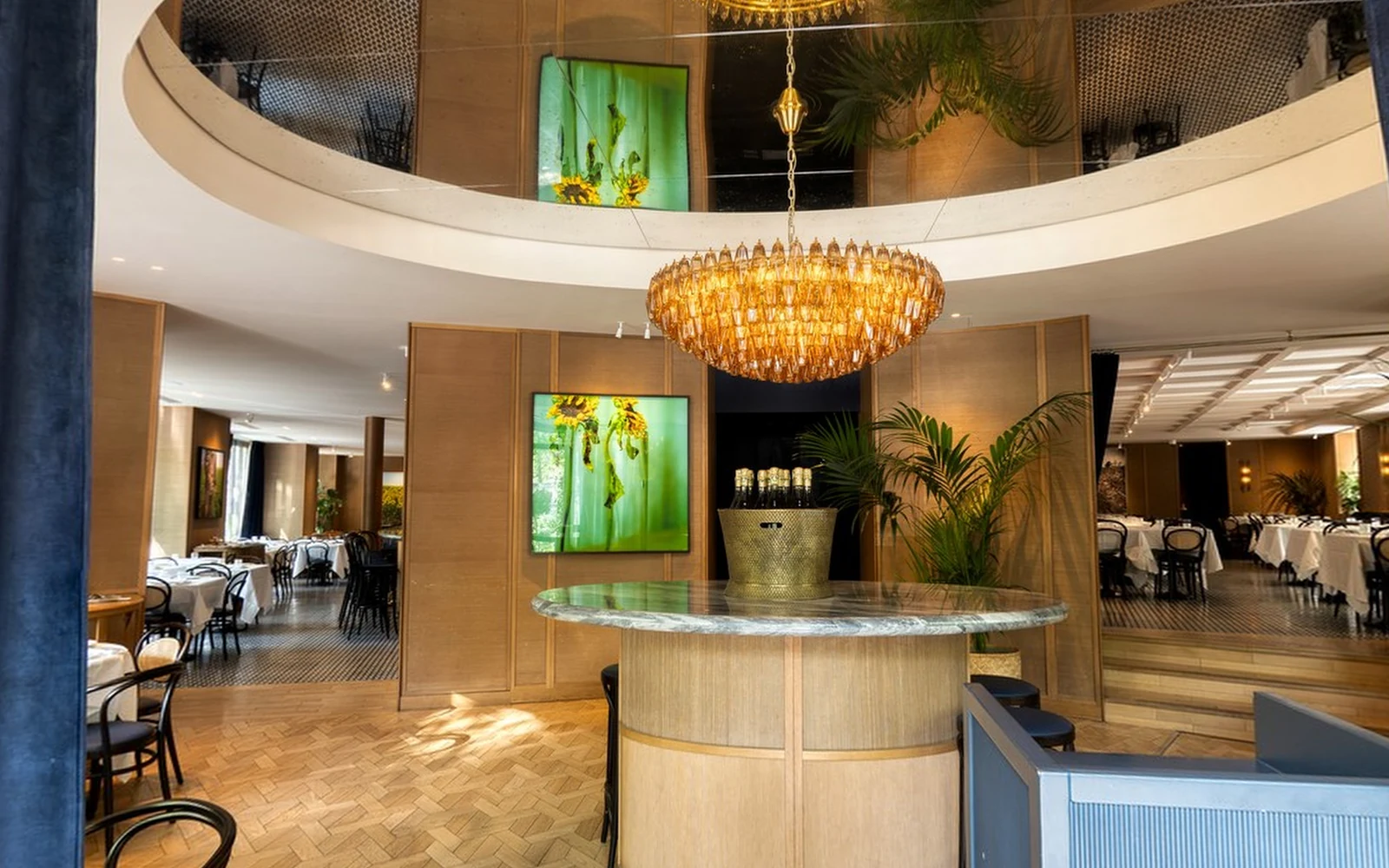 Restaurant
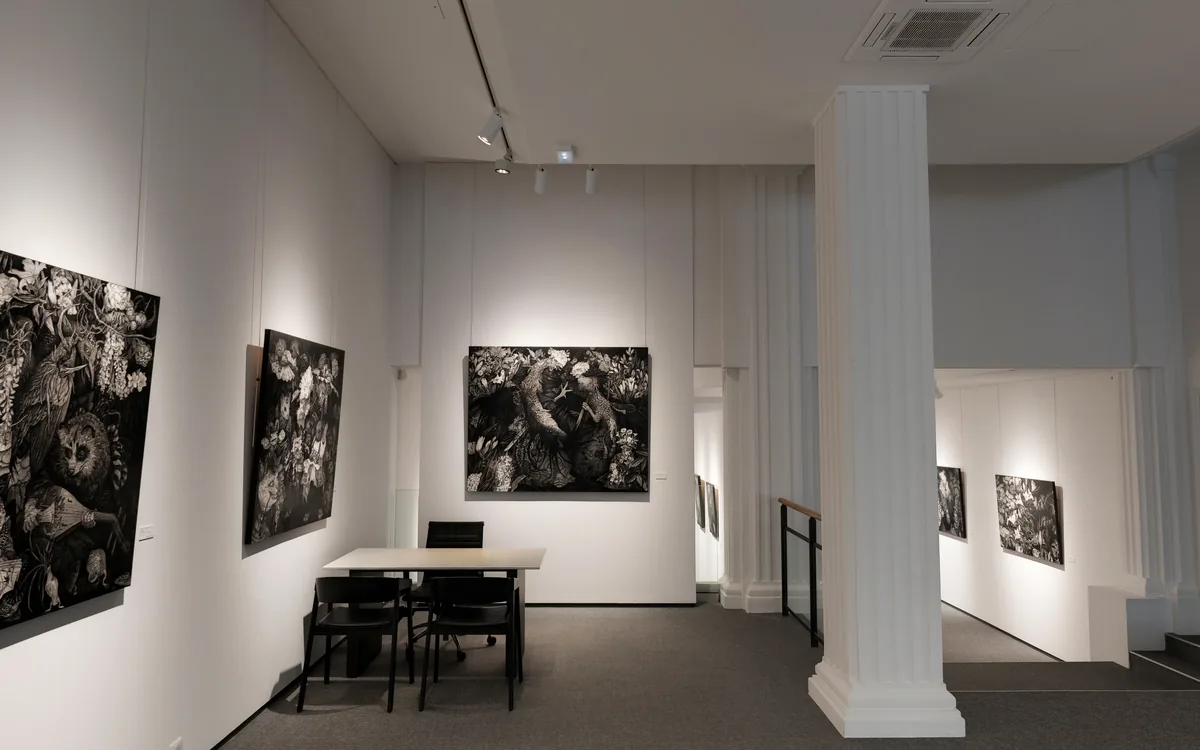
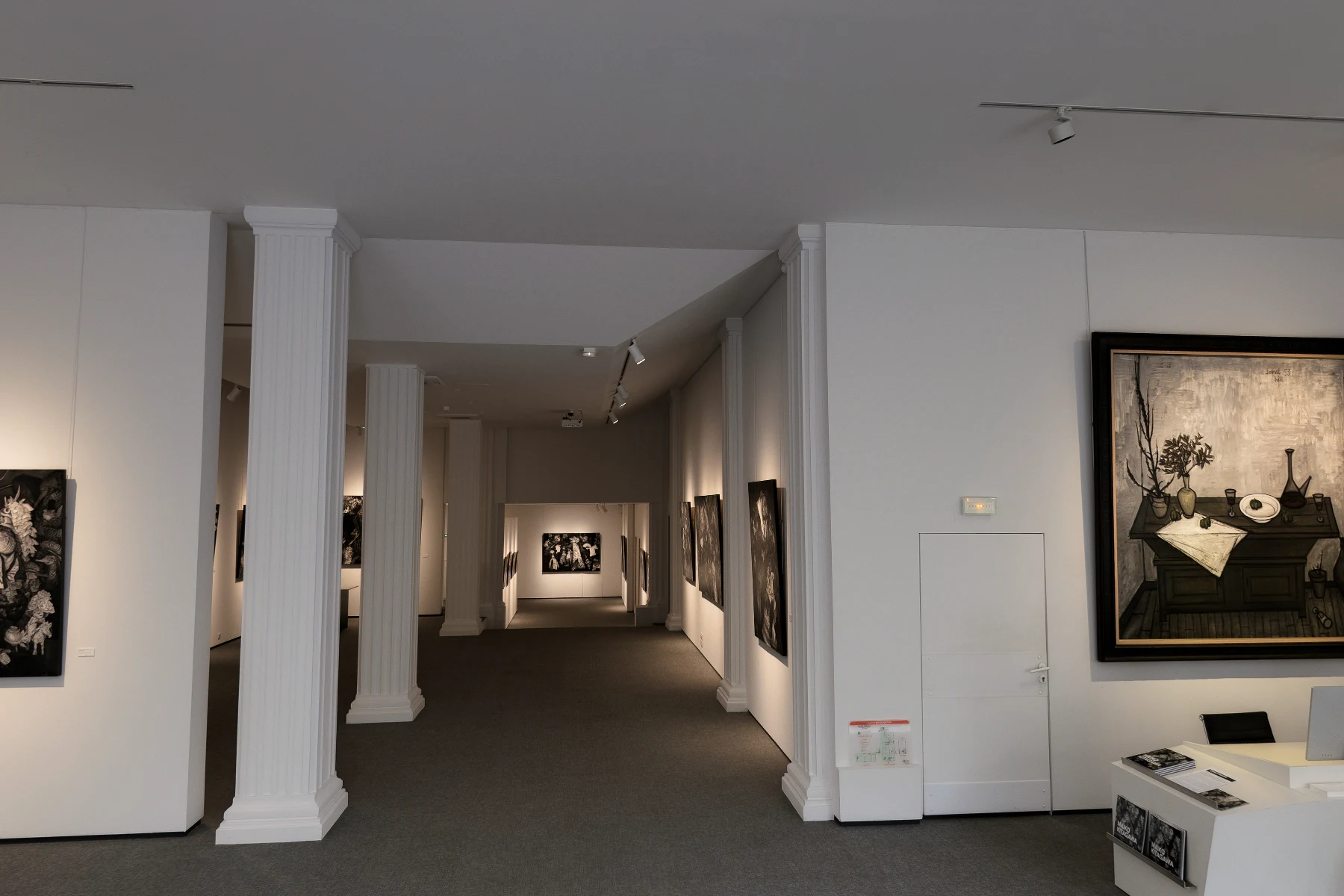
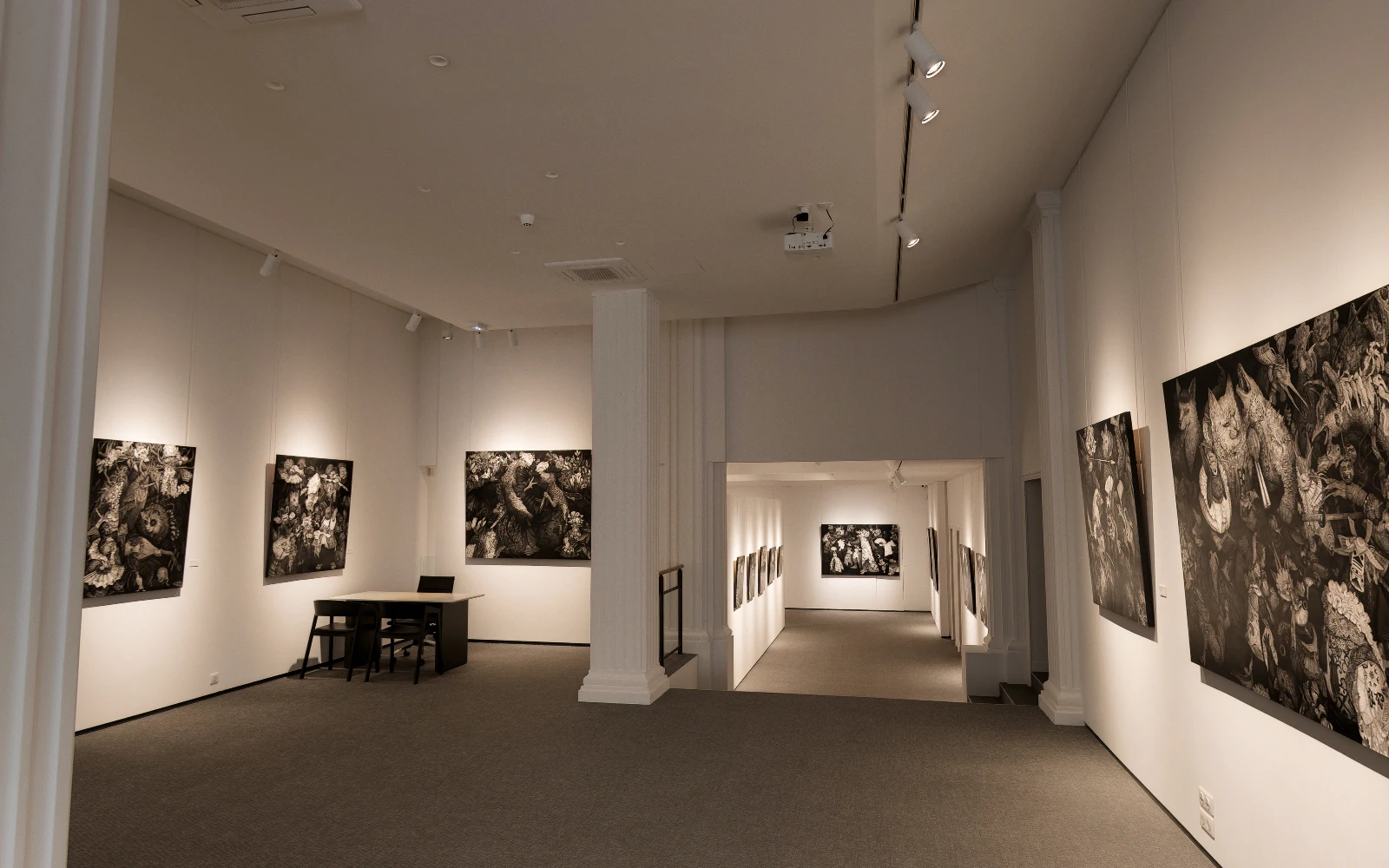 Galerie Tamenaga
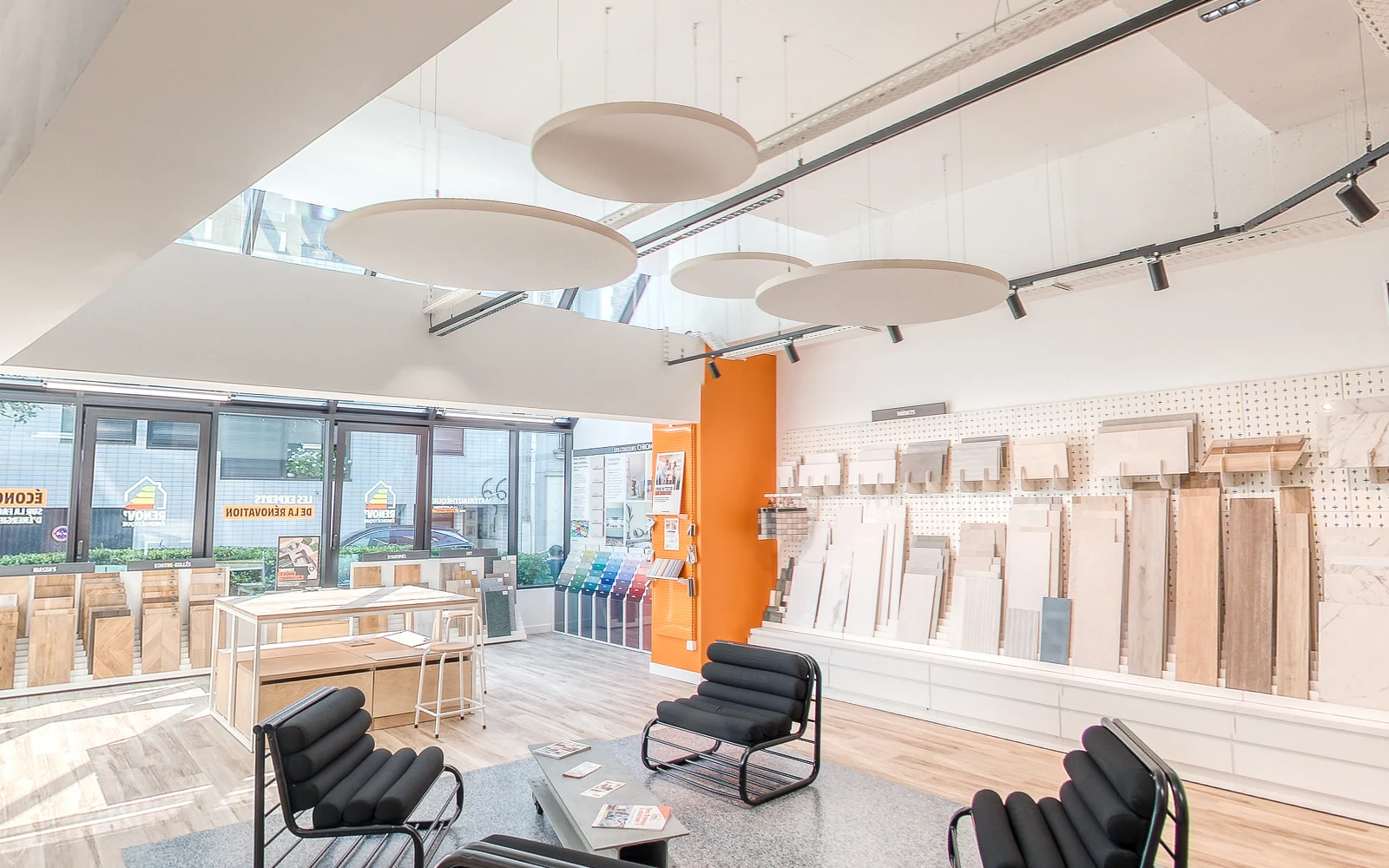 La Matériauthèque
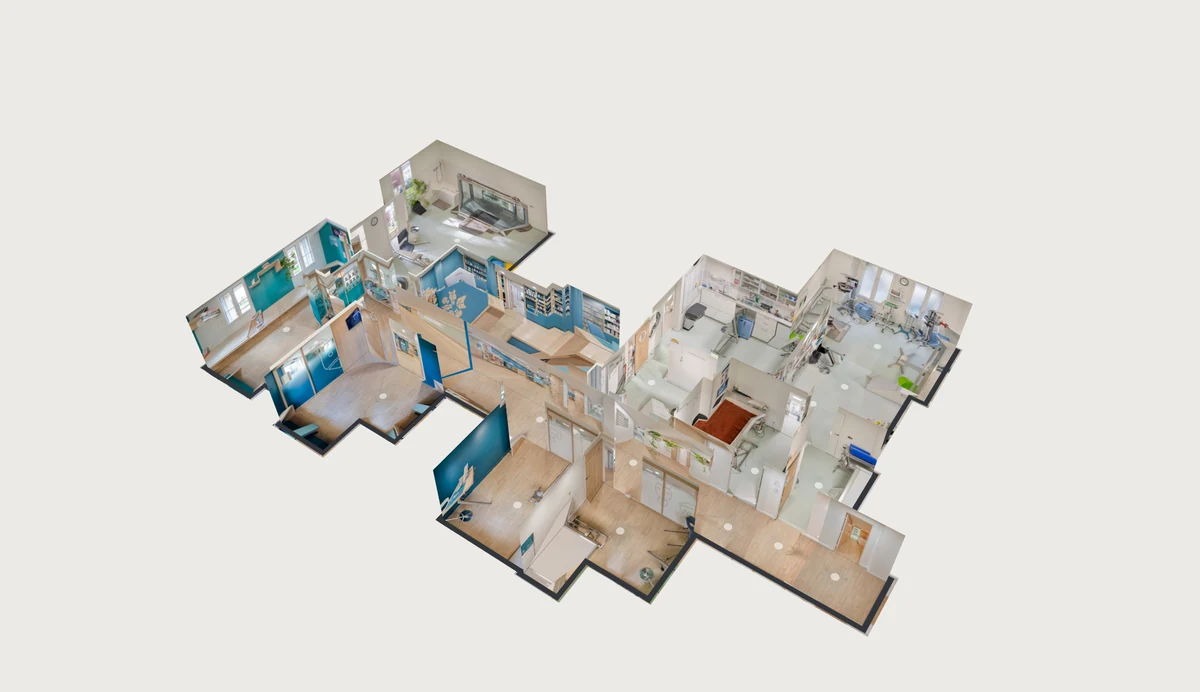
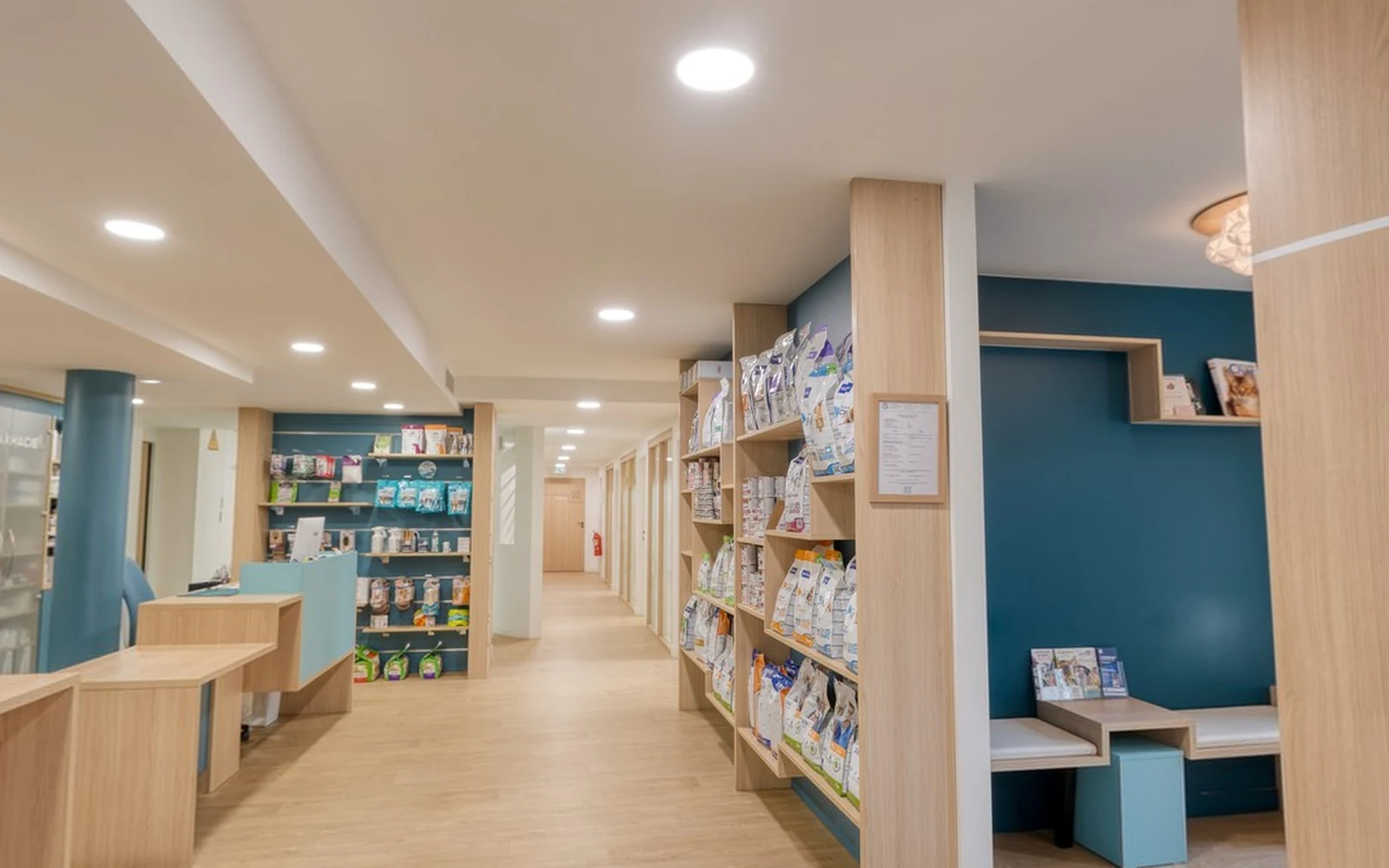 Veterinary clinic
Virtual tour from 360 photos: your questions
How many photos do I need for a virtual tour of a house?
One panorama per room, two or three for a large living room, one in each doorway, one every 2 metres along a corridor, and two for each staircase: one at the bottom, one at the top, each visible from the other.
How far apart should the panoramas be?
2 metres, all at the same height.
Can I make a 3D virtual tour for free?
The first tour is free, with up to 150 panoramas, dollhouse and floor plan included. You pay $10 only for the tours you keep.
What happens to my tour if I stop paying?
Each tour is paid once and stays online on Virtuaaa; the downloaded copy is yours to host wherever you want.
Your 3D tour, ready in 15 to 40 minutes
Upload the panoramas of your shoot. The first tour is free.
A question about your files? [email protected]
More articles
 What is the best Matterport alternative?Moving in 3D, the dollhouse and the plan from your own 360 camera: how each part is made, and twelve tools compared with their prices.
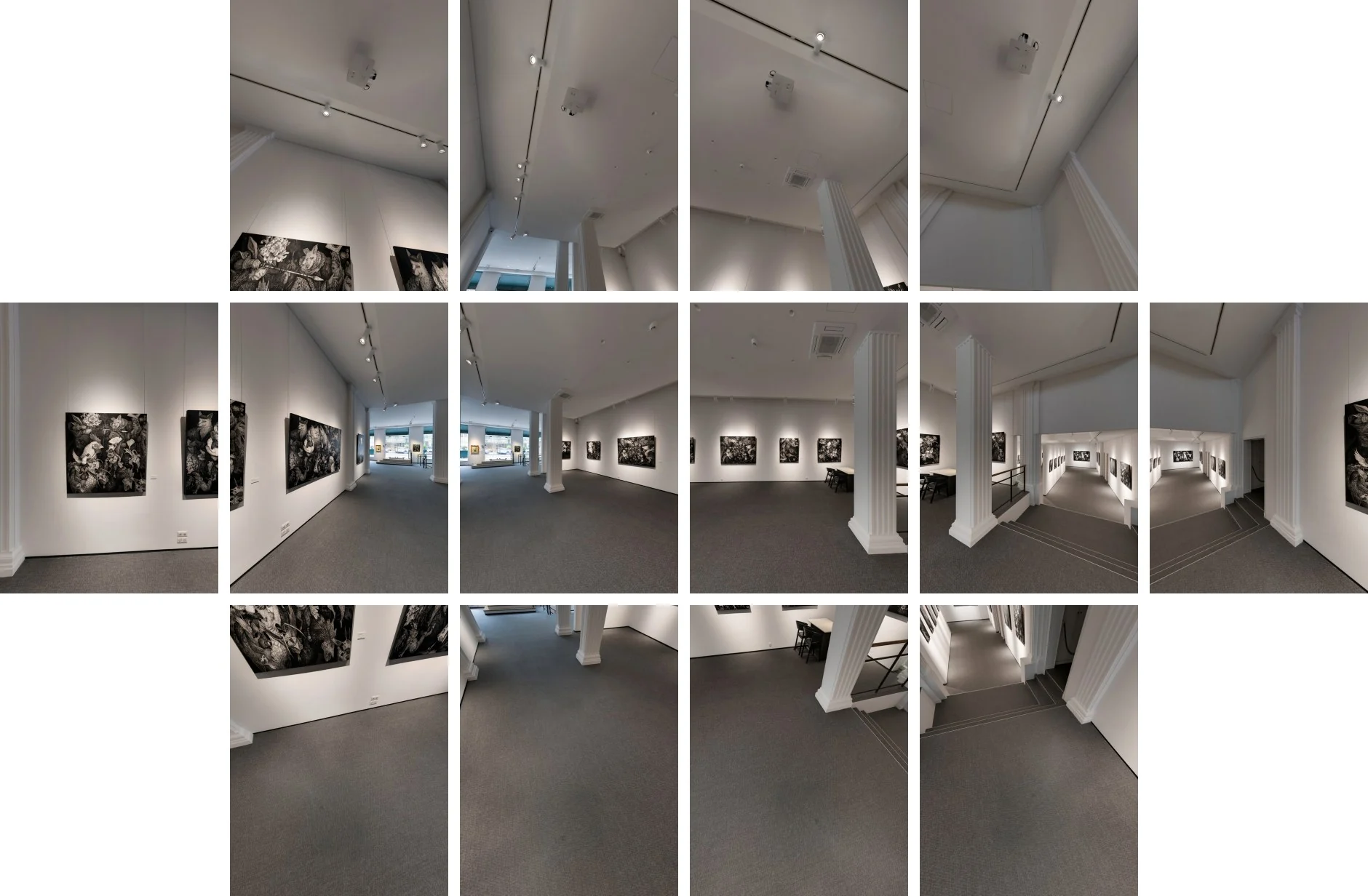 How do you make a 3D virtual tour with your phone or iPhone?The 0.5x lens, a panoramic head and 14 photos per viewpoint: from the iPhone to a full 360 panorama, then to a 3D tour.What is the best software to create a 3D virtual tour?Twelve tools compared, with their prices and a tour to open for each, and what 10 tours kept for 3 years cost.
 How do you stitch a perfect drone panorama automatically?Broken seams, a hole in the sky, a tilted horizon: the causes, the manual fixes, and the stitching that corrects it all automatically.